Top 6 designinterior.app Alternatives for 2026
Top 6 designinterior. app Alternatives for 2026

Getting quick, high quality interior photo edits without complicated software or expensive manual retouching is still out of reach for most homeowners and real estate professionals. Many existing tools either require advanced design skills, restrict photorealistic outputs behind pricey plans, or offer clunky workflows that slow down rapid style testing. This comparison details price, workflow, device support, and staging features across six interior photo editing apps so you can choose the solution that delivers the results and speed your next project needs.
Table of Contents
VibeMyFlat
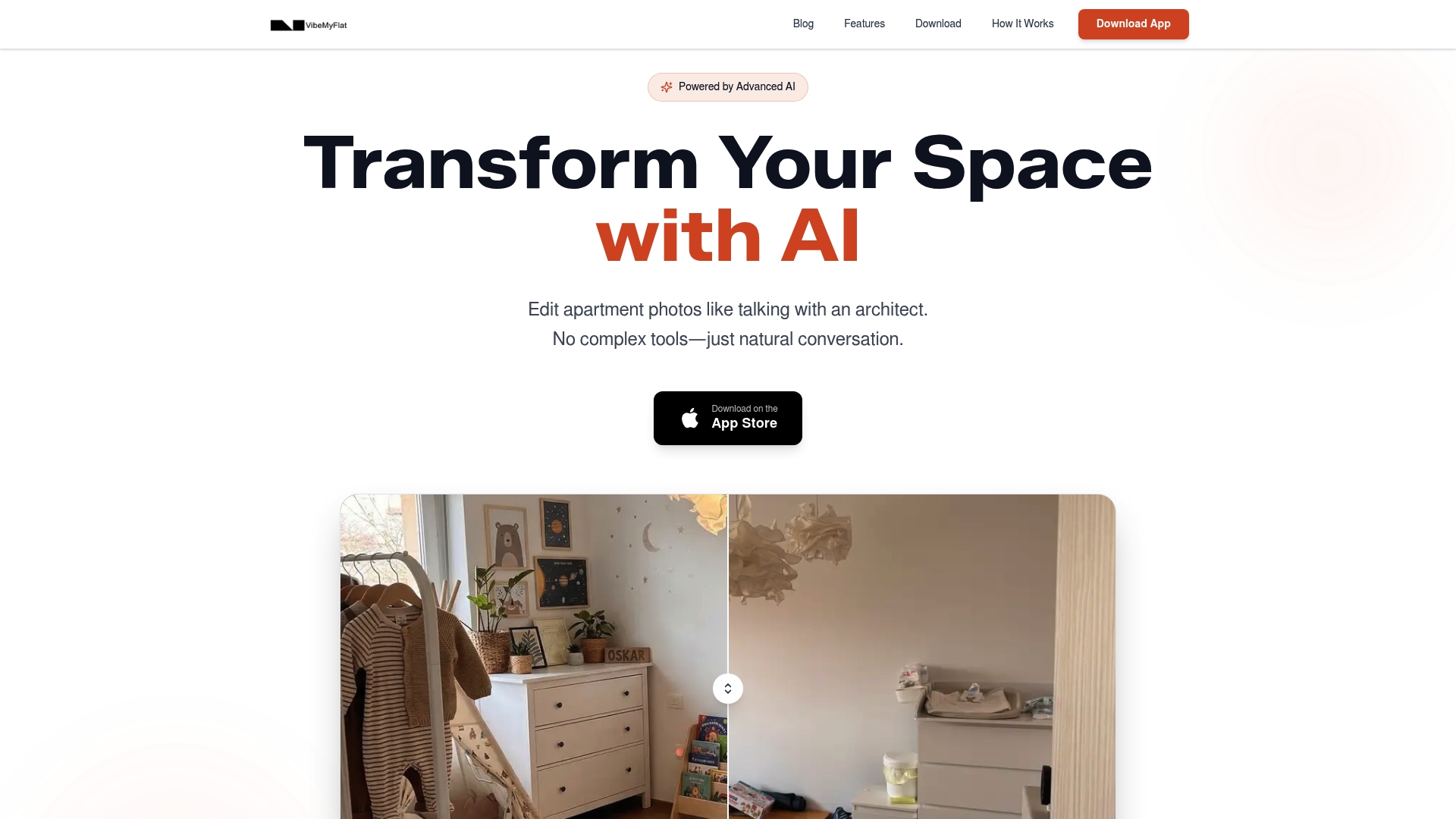
Quick Snapshot
VibeMyFlat reports over 50,000 downloads, and the vendor advertises edits in under 30 seconds on any device using plain language. The app targets apartment and interior photos and aims to let nonexperts try new looks fast without learning complex tools.
Core Capabilities
VibeMyFlat lets you upload a photo, describe changes in plain English, and receive an edited image back quickly. Key capabilities include:
- Natural language photo editing so you describe changes instead of dragging sliders.
- Instant AI transformations for wall color, flooring, furniture, lighting, style, and decor.
- Cross device support on desktop, tablet, and mobile plus a simple drag-and-drop upload flow.
Standout Feature
The product’s single most distinctive claim is a natural language interface that applies edits instantly across devices. That combination reduces friction for quick visual tests and keeps iterations focused on design choices rather than interface mechanics.
Strengths
- Fast iteration. Designers and homeowners can test alternative palettes and furniture layouts rapidly thanks to the under-30-second edit claim above.
- Low learning curve. Plain language commands remove the need to learn layer systems or complex toolsets.
- Device flexibility. You can work from your phone on site or from a laptop at a desk and keep the same workflow.
- Practical staging help. Real estate agents and property managers can generate multiple staging options to compare listing shots without hiring a stylist.
- Quality for casual needs. The output is pitched at professional-looking results for marketing photos and conceptual mockups.
One Limitation
- Limited precision for highly technical work. The app does not offer the fine-grain control or full 3D modeling that professional architects and CAD workflows require, so complex construction-level edits may need other tools.
Who Benefits Most
Homeowners, real estate professionals, interior decorators, and DIY home improvers who want quick visual answers will get the most value. The app fits scenarios where speed and ease beat photo-accurate construction specs.
Why This Matters
Edits that return in under 30 seconds change how you test ideas. Instead of scheduling a design session or ordering a sample, you can run several style options in a single afternoon and make faster decisions about paint, flooring, or staging.
Practical Example
A homeowner uploads a living room photo, types “make the walls warm gray, swap the sofa to mid-century style, brighten the ceiling lights,” and gets three alternate images to compare. That rapid feedback helps choose finishes before buying paint or furniture.
Price Overview
VibeMyFlat is free to download and does not require a credit card to start. The free entry point makes it easy to try core features before committing to any paid plan.
Website: https://vibemyflat.com
Spacely AI
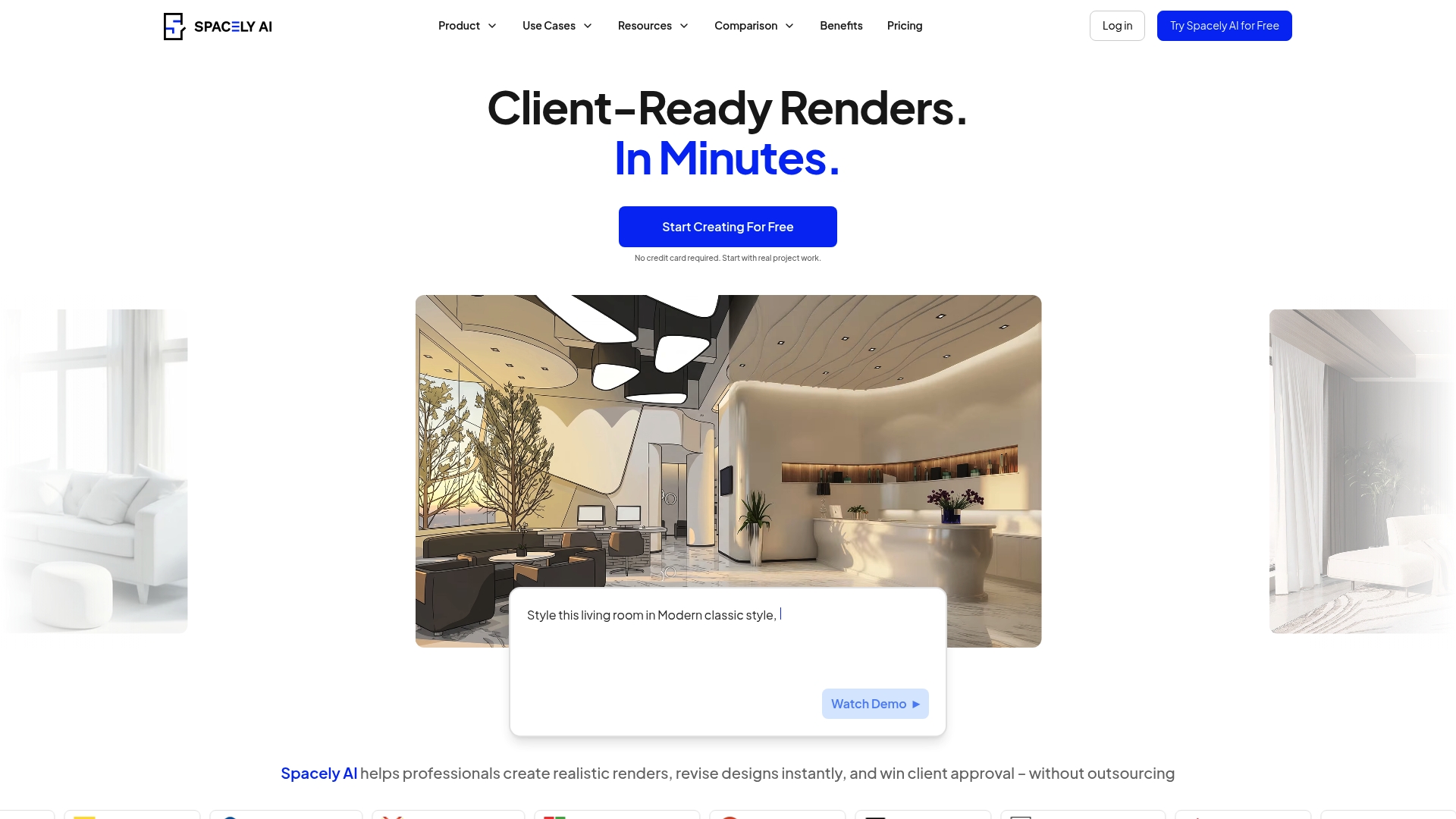
At a Glance
The vendor advertises instant photorealistic renders from sketches, prompts, or photos directly in your browser. Spacely AI packages that speed with a SketchUp extension so you can move from modeling to final visuals without installing heavyweight render engines.
Spacely targets designers who need quick options to show clients multiple directions in minutes rather than hours.
Core Features
- AI-generated photorealistic rendering from sketches, prompts, or existing images so nontechnical users can get production-style visuals.
- Real-time design revisions for lighting, materials, and furniture without rebuilding a scene.
- SketchUp extension for a direct modeling to rendering workflow inside the SketchUp environment.
- Style transfer capabilities that apply different aesthetics quickly across scenes.
- Virtual staging tools for interior and exterior spaces that create staged images in seconds.
Key Differentiator
Spacely’s defining angle is browser-based, instant rendering with on-the-fly edits from sketches or photos. That focus makes it faster for iteration than traditional renderers and more integrated for SketchUp users, while VibeMyFlat emphasizes natural language photo editing and mobile-first, device-spanning workflows.
Pros
- Fast render turnaround lets you produce multiple options during a single client meeting. This is useful for rapid decision making.
- Web-based interface removes the need for local rendering hardware or lengthy setup, so freelancers and small studios start immediately.
- Strong style transfer and editing features support creative exploration without rebuilding models each time.
- SketchUp integration preserves an existing modeling workflow and reduces file handoff friction.
- Recognitions and awards are mentioned by the vendor and suggest some industry validation.
Cons
- Output can be generic or lack the fine detail required for high-end presentations, limiting use on premium projects.
- User sentiment shows inconsistent quality between renders, so results may require extra cleanup in other tools.
- Some reviewers report slow or unhelpful customer support, which is a risk when you depend on fast turnaround.
- Pricing can feel high for teams that expect consistently photoreal outputs for every project.
When It May Not Fit
If your practice demands pixel-perfect, industry-standard precision for large production jobs, Spacely may not meet that bar. Similarly, teams that rely on guaranteed output consistency or active vendor support could find the product frustrating for client-facing deliverables.
Notable Integrations
- SketchUp extension for direct export and rendering from SketchUp models. This integration reduces manual export steps and keeps geometry and materials linked.
Who It’s For
Interior designers, architects, real estate professionals, and small design firms that need fast visual options and virtual staging without complex software. Ideal when speed of iteration matters more than absolute production-level fidelity.
Real World Use Case
An interior designer generates three furnishing and lighting variations during a client call, swaps finishes in real time, and emails the preferred render by the end of the meeting. The process removes a day of back-and-forth revisions.
Pricing
The product offers a free tier. Paid tiers per the vendor are Starter Plan at $12.75 per month billed yearly, Studio Plan at $38.25 per month billed yearly, and Business Plan at $102 per month billed yearly. Additional credits are available as one-time purchases.
Website: https://spacely.ai
HomeDesigns AI
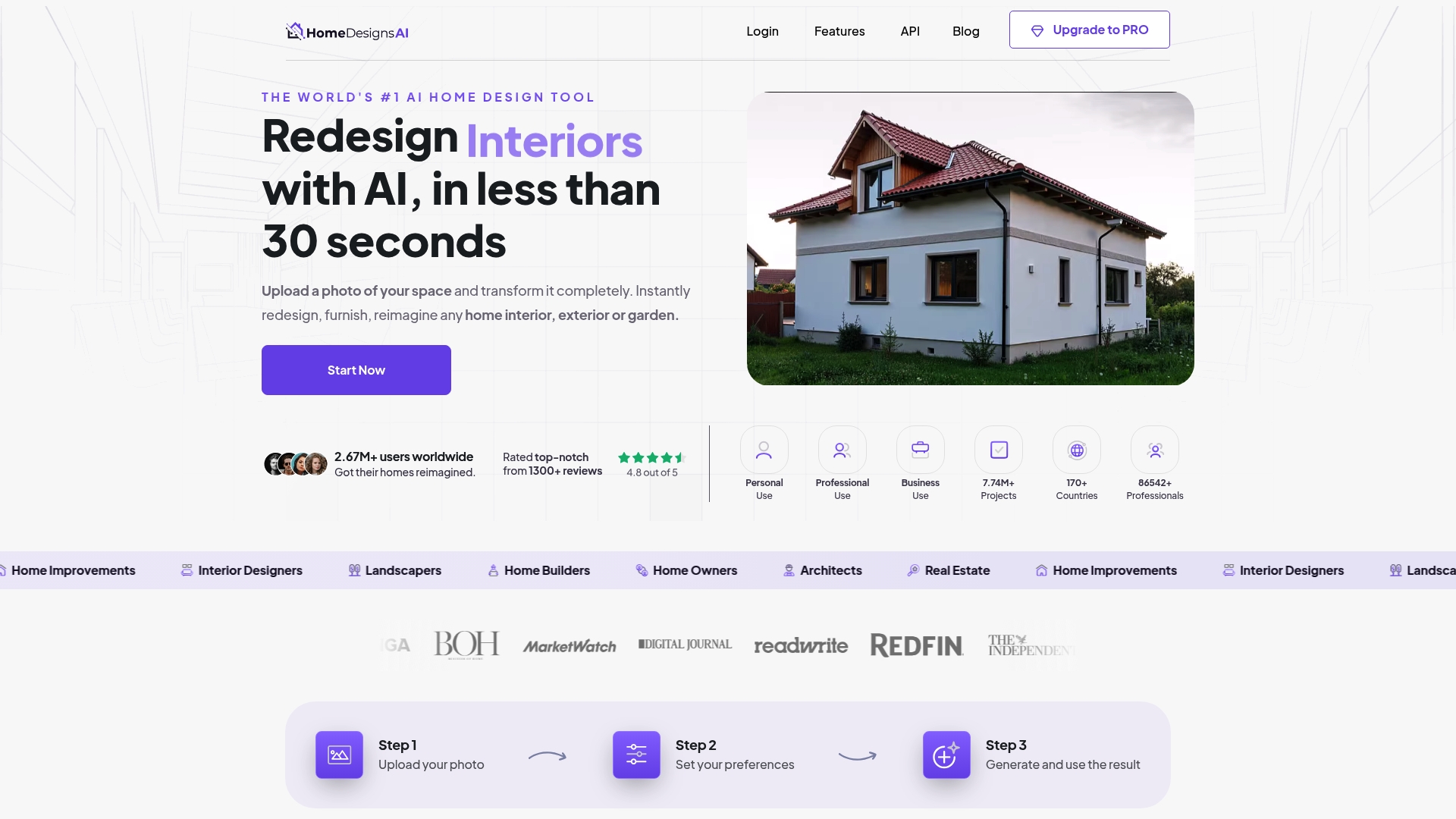
At a Glance
HomeDesigns AI’s marketing claims it can produce photorealistic redesigns from a single photo in under 30 seconds. The tool pairs quick auto-furnishing with a large style library so non-designers can preview multiple looks without learning modeling software.
Core Features
- Upload a photo and get instant redesigns with furniture, lighting, and finishes applied.
- Over 80 styles spanning modern, traditional, minimalist, and outdoor looks with editable options.
- Auto-fill empties a room with suggested furniture and decor and links to buy pieces.
- Change wall color, textures, and weather conditions and generate several variations in one session.
Key Differentiator
The main claim above is speed combined with photorealism for casual users. That speed claim makes the tool practical for quick idea generation rather than detailed construction documents. It is aimed at people who want immediate visual options, not final production assets.
Pros
- The vendor reports more than 2.67 million users, which suggests broad consumer adoption and plenty of design variety in the example gallery.
- Intuitive interface lets a homeowner upload a phone photo and start iterating within a minute. No training required.
- The AI assistant speeds brainstorming by offering style prompts and layout alternatives that reduce early-stage decision time.
- Photorealistic outputs and shopping links mean you can move from concept to purchase with fewer context switches.
- Wide style library and outdoor options support both interior and garden mockups for quick portfolio work.
Cons
- Outputs can feel generic or unrealistic for complex spaces. The AI may place furniture in ways a contractor would not accept.
- Subscription management and cancellations are reported to be confusing for some users and may require support to resolve.
- Advanced designers will find limited control over fine details compared with CAD or dedicated 3D tools.
- Some useful features require extra payments or upgrades which fragments the experience for heavy users.
When It May Not Fit
Avoid this tool when you need precise architectural drawings or construction-ready measurements. If your project demands exact joinery, structural changes, or custom millwork, HomeDesigns AI lacks the detailed controls and export options professionals expect. Also skip it if transparent subscription pricing is a hard requirement.
Who It’s For
Homeowners, real estate agents, and DIY renovators who want instant, visually strong options for paint, furniture, and layout. Interior designers can use it for fast concept generation but not for final client presentations that require technical detail.
Real World Use Case
A homeowner uploads a living room photo, selects three styles, and within seconds gets photorealistic options with furniture suggested and buy links. The quick set of visuals lets the homeowner reject two looks and present one to a contractor with clearer intent.
Pricing
The vendor advertises a PRO upgrade and a promotional early bird discount but does not publish clear subscription rates. Prospective users may need to sign up or contact sales to see exact costs and which features are behind paywalls.
Website: https://homedesigns.ai
StagerAI

At a Glance
StagerAI’s marketing materials state edits often complete under one minute, a claim aimed at high-volume listing workflows. It bundles automated photo edits, virtual staging, cinematic video generation, 3D floor plan conversion, and a scalable API into a single editorial offering for real estate visuals.
Core Features
- AI photo editing and enhancement for HDR, perspective correction, object removal, and color balance.
- Virtual staging that places furniture and decor into empty rooms to create market-ready images.
- 3D floor plan conversion that converts 2D sketches or CAD plans into presentable layouts.
- Cinematic video creation from image sets for short listing clips and walkthroughs.
- High-volume API designed for batch processing and pipeline automation across large portfolios.
Key Differentiator
The platform’s standout angle is its combined editorial and production focus: automated image edits plus video and floor-plan tools under one roof, supported by an API built for scale. That integration is aimed at publications, agencies, and teams producing hundreds of assets per week.
Pros
-
Virtual staging looks convincing and speeds production, letting photographers avoid manual compositing for routine listings.
-
The vendor’s speed claim above supports rapid turnaround for agents who need same-day assets; that turnaround claim is a clear operational advantage if it holds.
-
Broad format support including RAW, JPEG, PNG, and HEIC makes the tool usable inside existing editorial and photographer workflows.
-
API access lets editorial teams batch-process entire catalogs and embed staging into automated publishing pipelines.
-
Feature breadth covers stills, video, and floor plans, reducing the need to stitch multiple vendors into a single project.
Cons
-
Limited independent reviews make it hard to form a consensus about the platform’s real-world reliability.
-
Several users report that advertised features do not always match results, creating extra manual review work for editors.
-
Some customers cite a lack of dedicated support staff, which complicates onboarding and troubleshooting for complex pipelines.
-
The product has a learning curve; mastering batch API workflows and fine-tuning staging presets takes time.
When It May Not Fit
If your editorial team runs occasional, single-image retouch jobs rather than bulk pipelines, StagerAI’s API-first model may be overkill. Likewise, teams that require white-glove support during onboarding or strict, predictable output quality for luxury shoots may find the platform’s variability frustrating.
Who It’s For
Real estate editors, listing agents, photography studios, and property marketing agencies that produce large quantities of visuals and want a single supplier for photos, video, and floor plans. Good fit for teams prepared to invest time in templates and API automation.
Real World Use Case
An agency receives 40 listing shoots weekly. They route raw files into a batch job that applies HDR merging, perspective correction, virtual staging, and a short video clip. The editorial lead reviews final assets, approves, and publishes to MLS and social channels, trimming post-production from days to hours.
Website: https://stagerai.com
Renovate AI
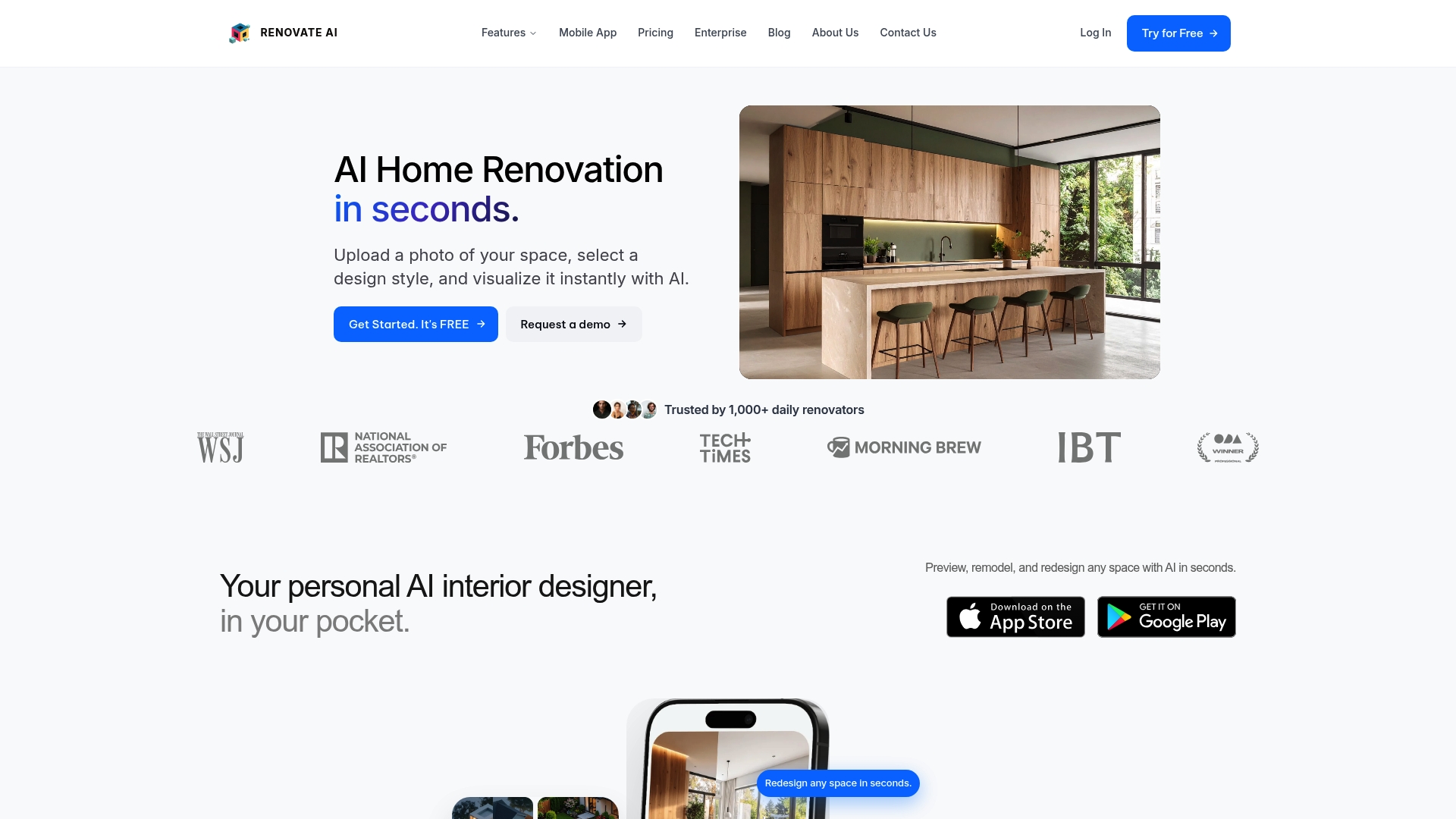
At a Glance
The vendor advertises photorealistic renovation renders generated from a single photo in seconds, with built in cost estimation and virtual staging. That performance claim and the emphasis on exterior as well as interior edits are the clearest selling points in the product data.
Core Features
Photorealistic visualizations from uploaded photos that show interior and exterior changes quickly.
AI driven style transfer for swapping finishes and decor across distinct design aesthetics.
Instant staging previews, detailable material swaps, and an in app cost estimation breakdown for budget conversations.
A public API and enterprise options enable white label deployments and catalog embedding for larger firms.
Key Differentiator
What sets Renovate AI apart is the vendor claim that it creates hyper realistic renovation visuals from a single image in seconds while pairing those visuals with cost estimates and virtual staging. That pairing turns a quick mockup into something a contractor or listing agent can act on right away.
Pros
- Fast visual feedback helps shorten design decisions. The rendering speed referenced above supports quick client iterations during meetings.
- Mobile first interface lets homeowners and contractors produce edits from phones without desktop overhead.
- The combination of virtual staging and cost breakdowns reduces guesswork when presenting options to clients.
- API and enterprise features let agencies embed the renderer into booking flows or branded studios without rebuilding visual tools.
- Strong media presence from the vendor gives teams usable marketing assets to show stakeholders.
Cons
- Several user reports point to billing friction, including unexpected auto renewals and slow responses from support.
- Advanced controls are limited compared with traditional CAD or image editors, so users who need pixel level edits will find the tool constraining.
- Some renders show occasional visual artifacts in complex scenes, which requires manual cleanup outside the app.
When It May Not Fit
If your workflow requires precise manual editing or layered control over textures and fixtures, Renovate AI will feel restrictive. Teams that demand enterprise grade billing transparency and fast support for cancellations should weigh the reported support issues carefully. Power users who expect full manual override will need a different tool.
Notable Integrations
- API for custom workflow integration that supports embedding the renderer into existing web or mobile flows.
- Enterprise solutions including white label studios and catalog embedding for agencies and product vendors.
Who It’s For
Homeowners testing renovation ideas, interior designers needing fast client mockups, real estate agents staging listings, and contractors who want rapid visual proposals with budget estimates. The product targets professionals who prefer quick, image driven decisions rather than deep manual editing.
Real World Use Case
A contractor uploads kitchen photos, applies three style transfers, and shares staged, costed options with a homeowner during a single visit. The quick renders cut follow up meetings and increase approval speed because clients see realistic choices and approximate budgets immediately.
Pricing
The vendor advertises a free tier with trial credits and limited usage. Premium features are likely behind a subscription according to the product information, so budget for ongoing access if you rely on high volume renders.
Website: https://renovateai.app
Interior AI
At a Glance
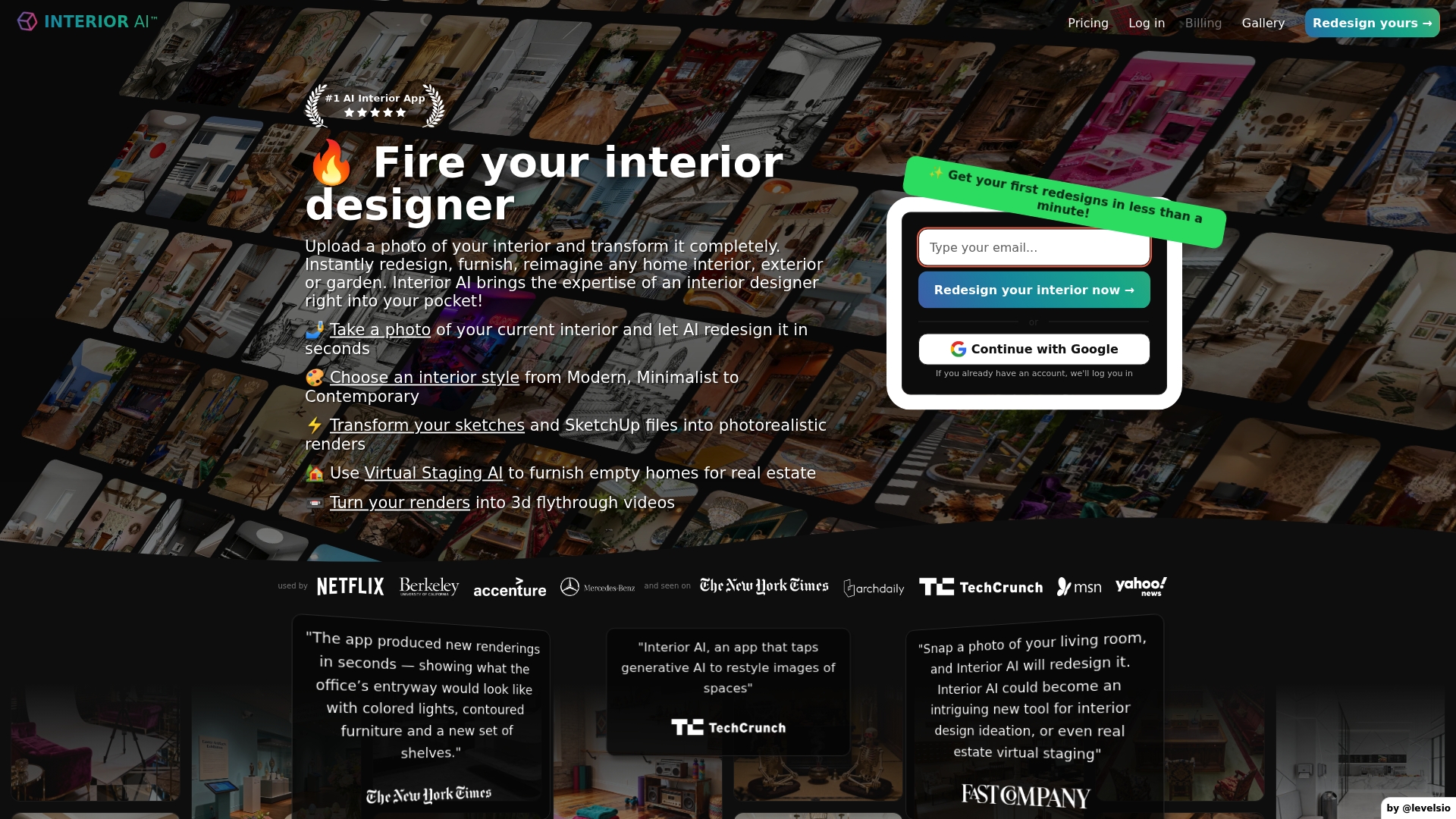
The company advertises more than 55 interior styles available with one click, a specific claim that signals broad styling presets. Interior AI turns photos into photorealistic renders, offers virtual staging, and can generate 3D walk-through videos aimed at homeowners and agents.
The product positions itself across tiers for hobbyists and professionals, with higher plans aimed at bulk output and hyper-realistic exports.
Core Features
- Upload a photo and receive AI-generated redesigns tailored to a chosen style.
- Select from the styles library and apply one-click transformations across a room.
- Import sketches and SketchUp files for conversion into photorealistic renders.
- Use Virtual Staging AI to furnish empty rooms for listing photos.
- Produce 3D walk-throughs and flythrough videos for immersive presentations.
Key Differentiator
Interior AI’s angle is the pairing of high-resolution renders with quick staging and walk-through exports. That styles claim above and the platform’s emphasis on both still renders and motion output set it apart from basic staging tools that only produce single images.
Pros
- Fast idea generation. The tool helps you move from photo to a handful of stylized concepts in minutes, which is useful when you need direction fast.
- Wide stylistic choices let you test commercial, minimalist, and period looks without manual mood boards.
- Virtual staging produces market-ready listing images that can reduce vacancy time when used thoughtfully.
- Bulk creation is supported on higher tiers, so agents or designers who need many images can scale output without manual editing.
- 3D walk-throughs add a presentation layer that helps buyers visualize flow and scale beyond static photos.
Cons
- Third-party review sentiment skews negative; reviewers report a buggy platform and unreliable responsiveness from support.
- No meaningful free trial is widely available, so testing quality before purchase is difficult for cautious buyers.
- Output can feel generic or inconsistent; some renders fall short of true custom design rather than enhancing it.
- Users report slow interface performance and occasional failures during export or bulk jobs.
- Several customers say refunds and dispute resolution are hard to obtain, creating risk for new subscribers.
When It May Not Fit
If you need bulletproof reliability, responsive customer service, or a free hands-on trial before committing, Interior AI may frustrate you. Also avoid it if your projects demand bespoke, non-generic design outcomes on every render or enterprise SLAs for uptime and support.
Who It’s For
Solo homeowners, real estate professionals, and freelance interior designers who want rapid visual options and staging assets without hiring a photographer or stylist. It suits people comfortable iterating and discarding concepts until one sticks.
Real World Use Case
A real estate agent uploads empty-room photos, runs Virtual Staging AI to add furniture and lighting, then exports a set of listing images plus a short walk-through video. The agent uses the assets in the MLS listing and social ads to speed buyer interest.
Pricing
Monthly plans start at $29 billed annually as $349 and scale to $49/month billed yearly at $599 and $99/month billed yearly at $1,199. Tiers are named Pro, Premium, and Ultra and increase render capacity and advanced features.
Website: https://interiorai.com
Comparative Analysis
When comparing tools in the interior photo editing landscape, the nuances in each product’s capabilities, workflow implications, and price structures become evident. Here, we analyze dominant themes across leading alternatives, focusing on decision-critical distinctions.
Integration and Iteration Efficiencies
VibeMyFlat boasts a streamlined, natural-language editing interface, enabling users to articulate design changes in plain English. This capability allows rapid visual iteration, especially for interior design mockups, simplifying the creative process for non-specialists. Conversely, Spacely AI, with its focus on sketch-based iterations and real-time rendering within SketchUp, serves professional designers requiring model-to-visual output integration. However, Spacely’s greater system complexity results in a higher learning curve compared to VibeMyFlat’s straightforward approach.
Output Control and Refinement Perceptions
HomeDesigns AI provides an expansive library of styles, supporting rapid conceptual revisions for both interiors and exteriors. However, reviews suggest its rendering outcomes may occasionally lack realistic depth, especially compared to Renovate AI’s plausible detailing paired with budget approximation—a critical feature for near-ready construction projects.
Best Fit Scenarios
- Rapid visualization for non-specialists: VibeMyFlat simplifies conceptualization by combining natural-language input with quick and professional results.
- Integrated workflow for SketchUp users: Spacely AI excels in environments where SketchUp is heavily used due to its direct rendering features.
- Detailed budget assessments alongside visuals: Renovate AI uniquely pairs realistic imagery with cost estimations, aiding decision-makers managing both design and expenses.
Our Pick
Given its simplicity, flexibility, and fast turnaround for high-quality visuals, VibeMyFlat emerges as the top recommendation for casual users and professionals prioritizing usability over model sophistication. Nonetheless, when seeking deep integration with existing design software or precise construction-ready outputs, examining competitor solutions provides nuanced alternatives worthy of consideration.
Interior Photo Editing Tools Comparison
Determine the most suitable interior photo editing tool for your needs based on distinctive features and offerings.
| Product | Main Feature | Key Differentiator | Best For | Pricing | Notable Limitation |
|---|---|---|---|---|---|
| VibeMyFlat | Natural language photo editing platform | Edits in under 30 seconds on any device | Homeowners, Designers, and DIY improvers | Free to start | Limited precision for technical edits |
| Spacely AI | AI-generated photorealistic rendering from photos or sketches | Integrated SketchUp extension | Designers needing quick client visuals | Free tier, $12.75–$102 per month | Output quality may be inconsistent |
| HomeDesigns AI | Photorealistic redesigns with a 80-style library | Instant redesigns with furniture autofill | Homeowners and real estate professionals | Not disclosed | Outputs can lack realism for complex spaces |
| StagerAI | Comprehensive virtual staging and 3D floor plan conversion | High-volume API support | Real estate editors and property marketing agencies | Not disclosed | Steep learning curve for mastering API workflows |
| Renovate AI | Photorealistic renovation renders with cost estimation | Integration of renders with budget details | Contractors and real estate listings | Free tier, subscriptions likely for premium features | Limited manual editing controls |
| Interior AI | AI interior redesigns and 3D walk-through video generation | Broad styling presets with walk-throughs | Real estate agents and solo homeowners | $29–$99 per month billed annually | Platform can be unreliable |
Discover a Faster Way to Visualize Interior Designs with Vibemyflat
Choosing the right design tool can feel overwhelming when seeking speed and simplicity. This article on designinterior.app alternatives highlights the struggle to quickly test multiple interior styles without dealing with complex software or slow rendering times. Vibemyflat solves this by allowing you to edit apartment and interior photos using plain language commands with AI-powered results in under 30 seconds. Whether you’re a homeowner, agent, or decorator, you can see professional-quality transformations instantly across devices.
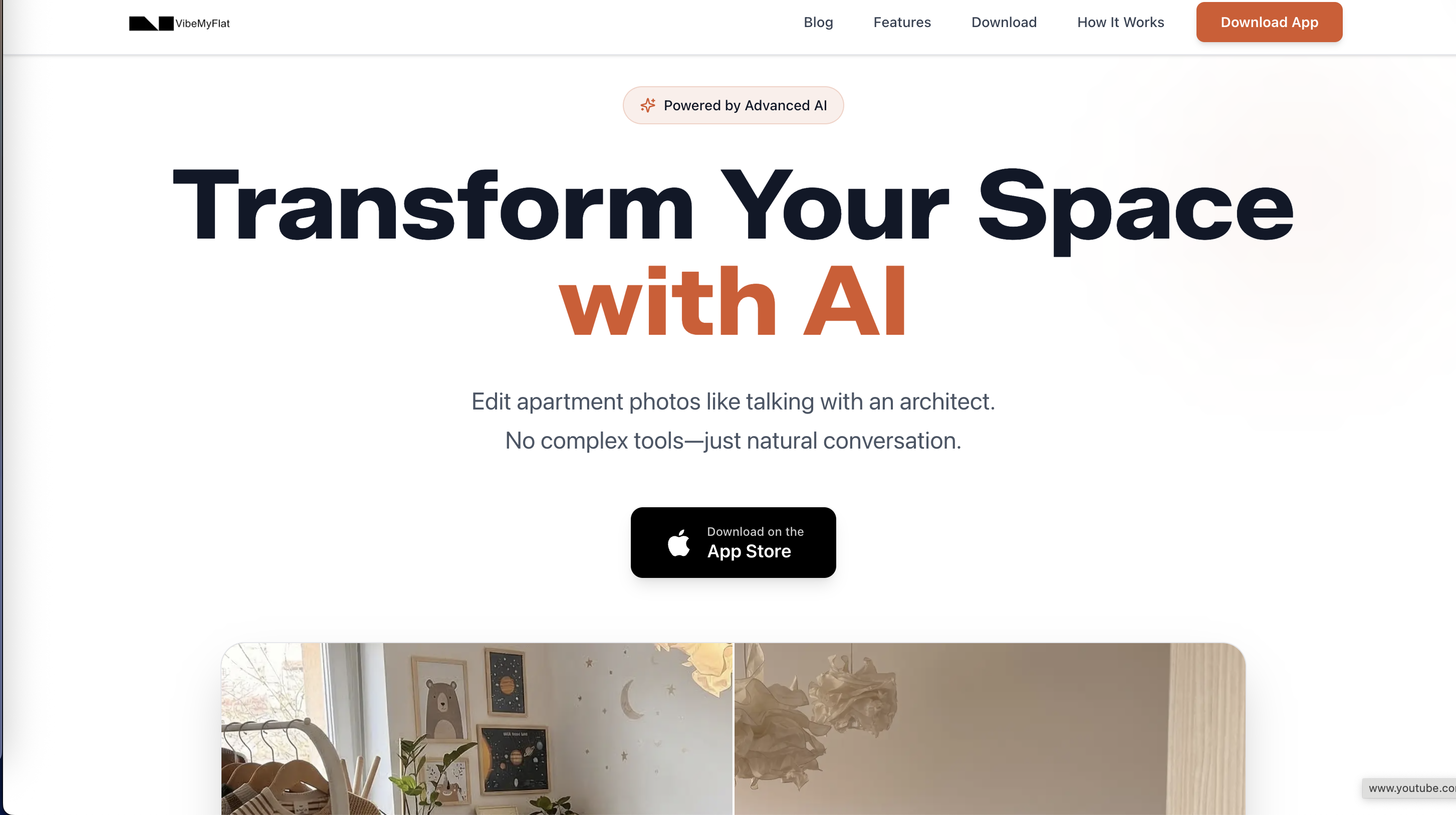
Experience how effortless interior redesigns can be when you describe your vision and get immediate images to compare. Don’t wait to explore this powerful, mobile-friendly solution designed to simplify your design process. Visit Vibemyflat and try editing your space in seconds today.
Frequently Asked Questions
How does Vibemyflat enable fast photo editing for interior design?
Vibemyflat allows users to upload a photo and describe the desired changes in plain English, receiving an edited version back in under 30 seconds. This unique natural language editing capability lets non-designers experiment with different decor styles and layouts quickly. Users can achieve rapid design iterations without needing to learn complicated software.
What is the difference between Vibemyflat and Spacely AI for interior rendering?
Spacely AI specializes in instant photorealistic rendering from sketches or prompts, which is ideal for professional designers needing accurate visualizations quickly. In contrast, Vibemyflat’s strength lies in its user-friendly interface that enables fast edits through natural language commands, making it more suitable for homeowners and novices looking to preview design options without technical expertise.
Can I use VibeMyFlat for generating multiple design iterations in a short time?
Yes, Vibemyflat excels at quick visual iterations, allowing users to explore various room palettes and furniture layouts in less than 30 seconds for each edit. This speed is beneficial for homeowners and designers looking to make fast decisions without the burden of lengthy design sessions. Expect rapid feedback to help finalize decorative choices efficiently.
Does Vibemyflat support mobile devices for on-the-go editing?
Vibemyflat is designed to work on multiple devices, including mobile phones and tablets, facilitating editing anywhere. This flexibility means you can experiment with design ideas while on-site or away from your desk, enhancing the overall user experience for busy homeowners and real estate agents.
Which platform offers stronger capabilities for real estate virtual staging, Vibemyflat or StagerAI?
StagerAI focuses on high-volume listings and integrates features for 3D floor plan conversion and cinematic video generation, appealing mainly to real estate professionals. While Vibemyflat provides quick staging capabilities ideal for individual use cases, StagerAI is more suited for agencies needing batch processing to handle numerous listings efficiently.