Top 4 homedesigns.ai Alternatives for 2026
Top 4 homedesigns. ai Alternatives for 2026

Finding interior photo editing software that delivers fast, realistic transformations for staging or listing is difficult. Many tools require subscription commitments or lack real furniture integration, leaving gaps for agents and property managers. This review covers price, editing workflow, and staging features, so agents and property managers can match a platform to their workflow and budget.
Table of Contents
VibeMyFlat
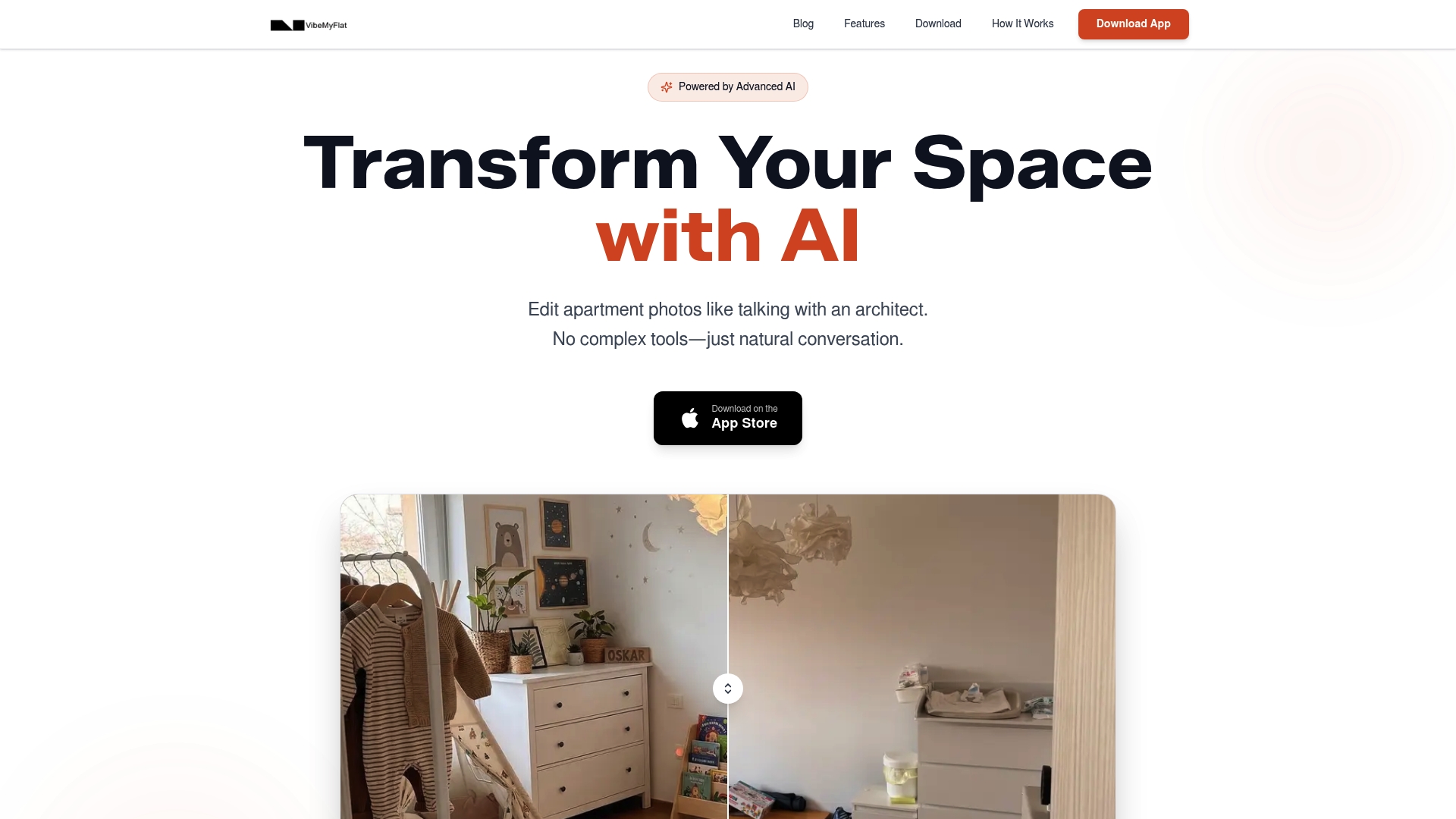
At a Glance
VibeMyFlat’s marketing materials claim edits finish in under 30 seconds. The app accepts photos from your camera roll and runs natural language commands to change wall color, furniture, or lighting. The result targets quick listing-ready images rather than full architectural plans.
Core Features
VibeMyFlat pairs natural language conversation with an editor that accepts uploads from desktop, tablet, or mobile so you can work from the device at hand. The software applies AI models that understand basic photography rules to deliver high quality photo transformations. Photo upload, conversational prompts, and device compatibility are the main workflow elements.
Key Differentiator
The product’s defining feature is its plain English editing interface. You type or speak what you want and the app interprets that request to perform complex pixel edits. That removes the need to learn layer masks or traditional photo editing controls. The approach targets people who want visual results fast without technical tools.
Pros
The app emphasizes speed and ease. Because the vendor advertises edits under that timing claim, you can iterate multiple looks while preparing a listing or mockup. The conversational input lowers the learning curve for homeowners and agents who do not use complex editors. Cross device compatibility and camera roll upload make it practical when you photograph a property on site. The AI’s understanding of composition and lighting helps deliver images that read as intentional and professional.
Cons
- Limited to photo transformations rather than full scale design planning or 3D modeling.
Who It’s For
Homeowners, real estate agents, interior designers, and property managers who need rapid visual changes to photos will get the most value. The app suits people preparing listing images, quick renovation mockups, or social media visuals. It is less useful for teams needing CAD files or construction level plans.
Unique Value Proposition
Natural language editing that accepts camera roll uploads on mobile and desktop shortens the path from idea to a finished image. You can describe a style or color, get a rendered photo, and repeat until you settle on an option. That workflow reduces the number of tools and steps required to produce presentation ready visuals for listings or client reviews.
Real World Use Case
A real estate agent photographs an empty apartment with a smartphone. They open the app, type a request to add mid century seating and warm wall paint, and export the edited photo to a listing. The agent tests two styles in minutes to see which attracts more interest in preview listings.
Pricing
VibeMyFlat is free to download and the vendor states no credit card is required to get started. Any additional paid features or credit packages are not publicly listed here.
Website: https://vibemyflat.com
XHome — AI Interior Design
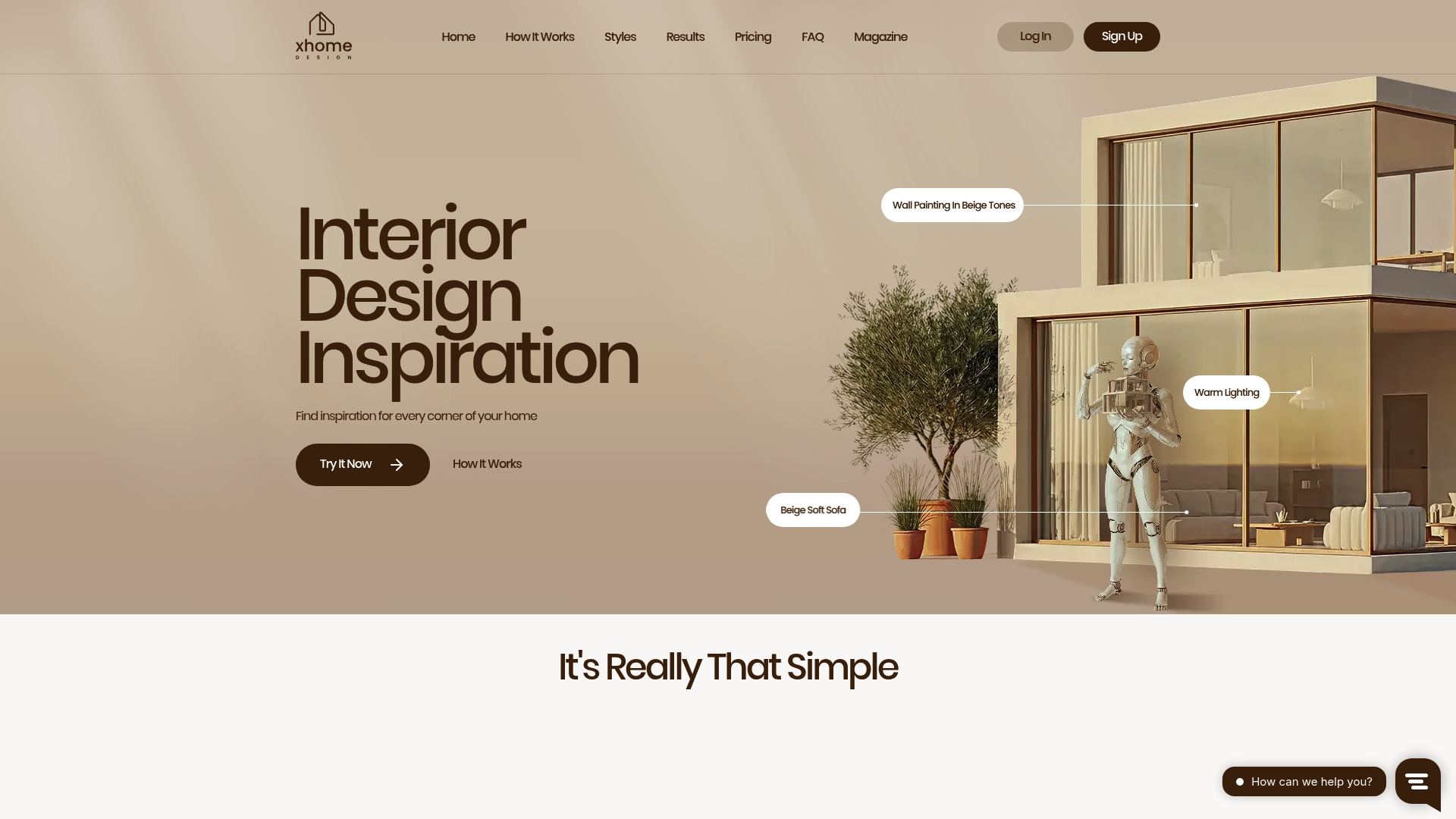
At a Glance
Starts with a points pack of 100 points (€11) for pay-per-design purchases. It generates multiple visual redesigns from a single uploaded room photo and lets you download results. The vendor advertises delivery within seconds.
Core Features
Upload a current room photo, pick a style and color palette, and request new looks. The AI returns multiple design options you can download, share, or regenerate until satisfied. Purchases use a points-based system so you buy only the number of generations you need.
Key Differentiator
The platform centers on real-time interior redesigns that base options on your photo and chosen style. That focus produces several distinct visual directions from the same image, which speeds decision making. Designs remain digital visualizations rather than procurement or installation plans.
Pros
Fast visual exploration helps you compare styles without scheduling a consult, and that timing claim supports quick iteration. Multiple style presets and color palettes make early-stage decisions easier, and image storage keeps results accessible. The points model controls spend while letting you experiment with different looks without a subscription or ongoing fees. Secure storage of generated images keeps the files available for sharing with contractors or clients.
Cons
- No physical products or furniture delivery. The output remains a digital mockup rather than a fulfilled order.
- Limited collaboration tools mean teams cannot edit a shared project inside the app.
- Final look depends on AI interpretation, so results may diverge from a precise client brief.
- No detailed controls for specific furniture or exact layout edits beyond style selection.
When It May Not Fit
If you need delivered furniture, procurement help, or installation, this tool will not meet that need. If your workflow requires multiuser collaboration or editable layout plans, XHome lacks those features. Clients needing guaranteed fidelity to a strict brief may find AI interpretations insufficient.
Who It’s For
Homeowners wanting quick visual makeovers will get immediate inspiration without hiring a designer. Decorators and real estate agents can use it to explore options and present concepts to clients. Renters and small business owners planning room layouts will appreciate the pay-per-operation control and rapid previews.
Real World Use Case
A homeowner uploads a living room photo and selects modern Scandinavian style. XHome returns several redesigns, the homeowner downloads two, and shares them with a contractor. They use those visuals to choose paint, lighting, and a layout before buying or ordering furniture.
Pricing
Points packs start at 100 points (€11), with packages of 500 points (€55) and 1500 points (€151). Points are virtual credits usable only within the platform and are non-refundable. There is no subscription option; you pay as you use generations.
Website: https://xhome.design
Spacely AI
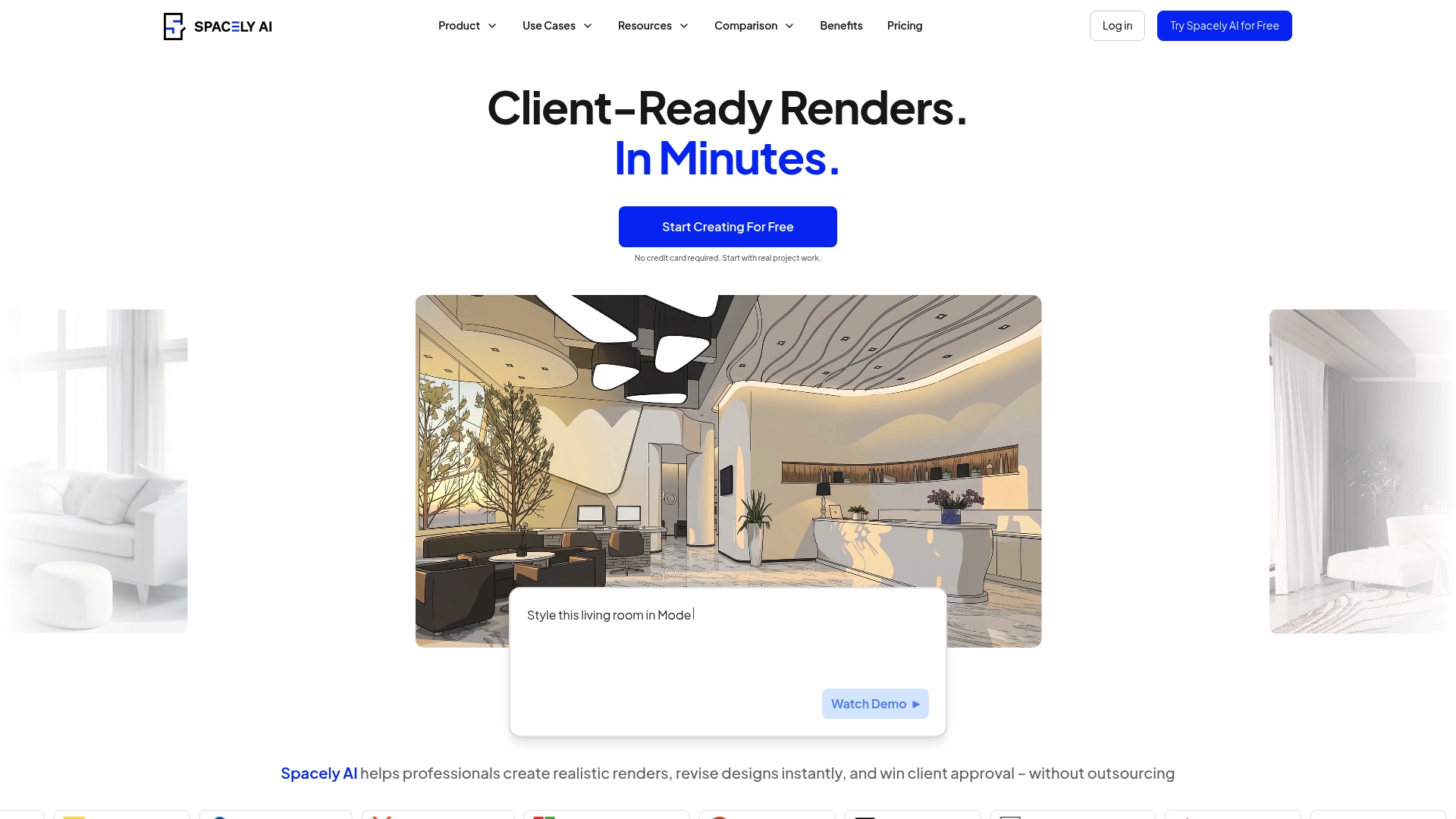
At a Glance
Spacely AI reports more than 580,000 users worldwide. The vendor advertises renders in under 60 seconds from sketches or prompts. It supports web access plus plugin workflows for designers, architects, and real estate pros.
Core Features
Spacely AI converts sketches or reference images into photorealistic renders and generates visuals from text prompts or existing models. The tool lets you make revisions without rebuilding models and offers in house virtual staging and lighting adjustments. It also integrates with SketchUp through a plugin for direct workflows.
Key Differentiator
The product stands out for turning rough sketches and prompts into finished interior visuals while keeping models editable. That rendering claim supports rapid iteration and reduces time spent rebuilding scenes for each revision.
Pros
Speed makes Spacely AI practical for tight deadlines. The vendor advertises render times under 60 seconds, which lets teams show multiple options during client meetings. The web interface keeps setup simple and lowers the need for advanced modeling skill, so smaller shops and solo designers can deliver near professional visuals.
Cost savings appear when you replace physical staging or external render studios. The tool supports team workflows and client presentations, which helps design firms standardize output. SketchUp integration keeps existing model libraries usable and removes a common file exchange step.
Cons
- Limited fine control compared with traditional render engines. Complex material layering and filmic camera controls are not as deep as V Ray or Lumion.
- Output depends on AI interpretation. Visuals may need manual validation for launch or high stakes presentations.
- Not intended for physics accurate lighting simulation. Projects that demand rigorous photometric fidelity may fall short.
When It May Not Fit
If you require frame by frame control, node based material editing, or film grade post production, this tool will feel restrictive. Teams that must run physical lighting simulations or produce volumetric effects should keep a dedicated rendering pipeline. Critical projects that cannot tolerate AI variance will need manual validation or a different renderer.
Notable Integrations
Spacely AI connects via the SketchUp Extension Warehouse plugin. That integration lets you export SketchUp scenes, apply Spacely rendering, and bring results back into a SketchUp centered workflow.
Who It’s For
Interior designers, architects, real estate professionals, and design agencies that need fast realistic visuals with minimal setup will get the most value. Small studios and listing agents who want quick staging and iteration fit particularly well.
Real World Use Case
A real estate agent uploads property photos and uses virtual staging to produce multiple furnished options for listings. The process reduces physical staging costs and shortens time to market while giving buyers clearer design intent.
Pricing
Spacely AI offers a free tier plus subscription plans. Available paid tiers include Starter at $12.75/mo, Studio at $38.25/mo, Business at $102/mo, and an EDU option at $10 for students.
Website: https://spacely.ai
Palazzo
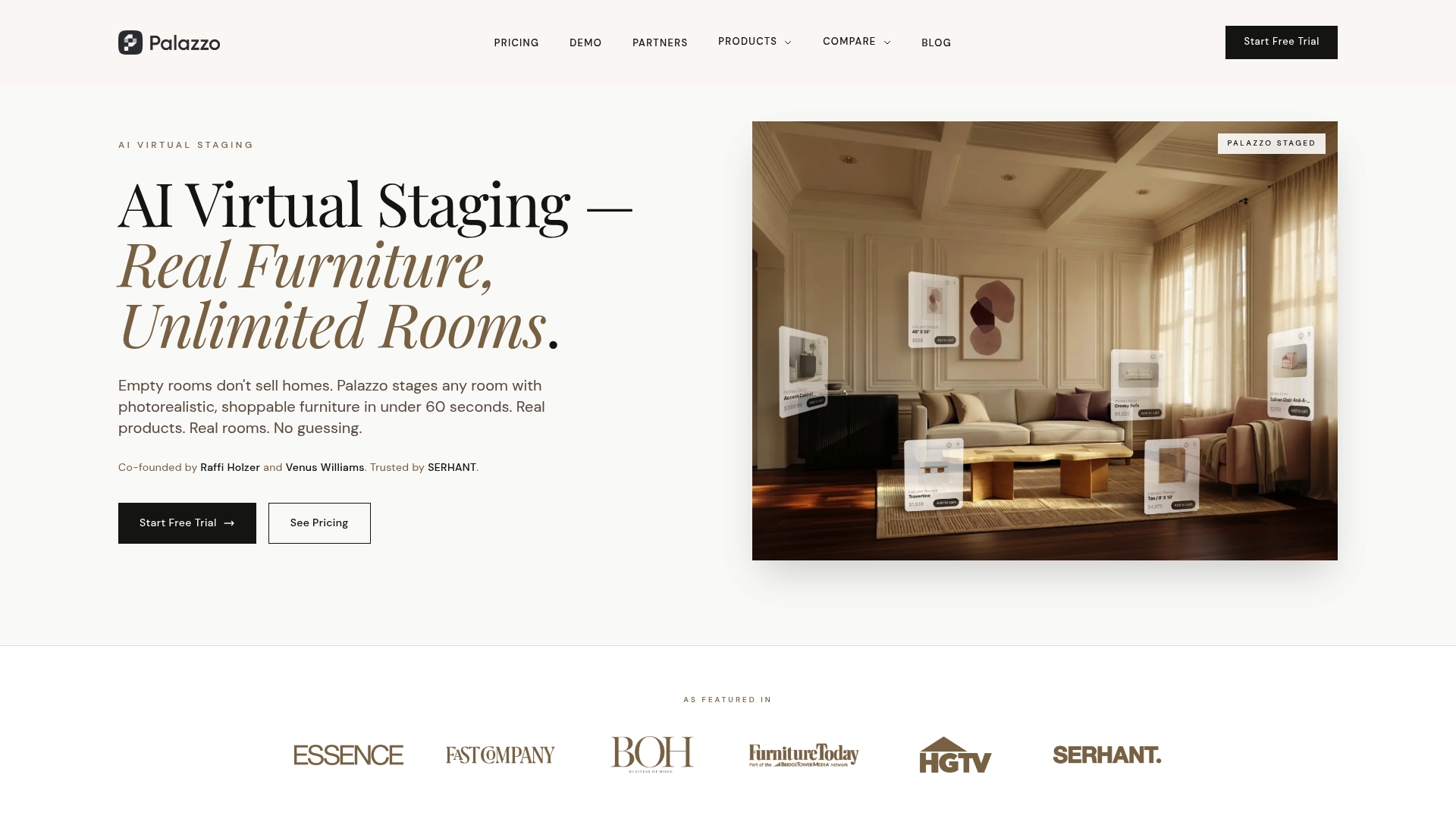
At a Glance
Real, shoppable furniture appears inside Palazzo’s photorealistic staging images. According to the company, staging completes in under 60 seconds per room. Plans start at $50/month for unlimited rooms, which makes monthly budgeting predictable for agents and developers.
Core Features
Palazzo delivers Photorealistic virtual staging that embeds purchasable furniture into room images. The service supports unlimited rooms for a single monthly fee and offers multiple styles and customization options for each listing. The platform is integration ready and includes an API for partners and retail brands.
Key Differentiator
Only platform with real, shoppable furniture integrated into photorealistic virtual staging images. That approach links listing presentation directly to retail inventory, which helps agents show realistic room setups with items buyers can purchase.
Pros
The pricing model gives predictable monthly costs and reduces per-listing staging overhead. Palazzo’s use of real, purchasable furniture strengthens listing trust and can shorten buyer decision cycles. Fast turnaround paired with that timing saves agent hours when preparing multiple listings.
Cons
-
Pricing transparency is limited to the standard plan. Enterprise pricing requires direct contact with sales.
-
Advanced integrations such as direct MLS connections and broader API access are either in development or gated behind higher tiers.
-
Public reviews and third-party evaluations emphasize image quality. They do not list many specific platform limitations or recurring bugs.
When It May Not Fit
Large brokerages that need immediate, turnkey MLS integration may find Palazzo restrictive until those integrations ship. Teams that require per-image billing rather than a monthly flat fee may prefer pay-as-you-go alternatives. Brands needing detailed enterprise SLAs and visible pricing will need to contact sales before committing.
Who It’s For
Real estate agents, brokerages, property developers, and home décor brands seeking quick, authentic staging that connects imagery to buyable products. The product suits teams that prefer fixed monthly costs for frequent staging. It also fits retailers who want lifestyle visuals from product catalogs.
Real World Use Case
A regional brokerage stages a dozen vacant listings each month using Palazzo. Agents upload photos, pick a style, and publish staged images that show real furniture buyers can order. The approach cuts traditional staging spend while improving listing photography and merchandising.
Pricing
Plans start at $50/month for unlimited virtual staging. Enterprise features and custom integrations require contacting the vendor for a tailored quote.
Website: https://palazzo.ai
Comparison of alternatives
Interior photo editing and design tools offer various solutions tailored to specific needs, and determining the right one often depends on balancing project goals with available features. Here, we compare the benefits of VibeMyFlat, XHome, Spacely AI, and Palazzo.
Ease of use and accessibility
VibeMyFlat excels in its intuitive interface driven by natural language commands, allowing users to describe desired changes for immediate visualization. In contrast, XHome’s workflow involves selecting style presets and generating multiple outcomes, which caters to broader design exploration but may lack VibeMyFlat’s user-specific adjustments. Spacely AI addresses advanced needs with SketchUp integration, providing updates to existing models, suitable for professional design firms. Meanwhile, Palazzo’s inclusion of purchasable furniture links its staging to tangible outcomes, uniquely bridging design visualization with decision-making for real estate agents.
Costs and subscription models
XHome’s points-based payment structure permits precise control over costs without necessitating ongoing commitments. However, frequent users may favor Palazzo’s predictable monthly pricing that includes unlimited room renderings. Spacely AI’s tiered subscription services appeal to a range of users, from casual decorators to intensive design teams. VibeMyFlat stands out for its cost-free starting point, eliminating barriers to initial usage while retaining simplicity for small-scale tasks.
Best fit
- Homeowners preparing visual changes and previewing rapid edits for personal projects benefit from VibeMyFlat’s natural language functionalities and device compatibility.
- Professional home designers requiring intricate, photorealistic renders and direct SketchUp model reviews find Spacely AI well-positioned to meet advanced demands.
- Real estate agents favoring presentation-ready visuals with purchasing options gain from Palazzo’s model linking staging outputs with furniture acquisition, streamlining their workflows.
Our pick
For creating intuitive and efficient photo edits coupled with a low entry barrier, VibeMyFlat leads this comparison. Its natural language processing capabilities uniquely simplify the user experience, enabling fast, practical outputs. For intricate requirements or users prioritizing compatibility with professional tools, Spacely AI provides an excellent specialist alternative.
Identify the right interior photo editing platform by comparing ease of use, capabilities, and pricing options.
| Product | Core Feature | Key Differentiator | Best For | Pricing | Limitation |
|---|---|---|---|---|---|
| Vibemyflat | Rapid photo transformations | Natural language interface | Homeowners and agents preparing listings | Price not published | Limited to photo transformations |
| XHome | Multiple interior redesign options | Pay-per-design model | Homeowners wanting quick visual makeovers | 100 points (€11) | Output depends on AI interpretation |
| Spacely AI | Photorealistic renders from sketches | SketchUp plugin integration | Interior designers needing rapid visuals | Free tier + $12.75–$102/mo | Limited material layering and lighting simulation precision |
| Palazzo | Real, purchasable furniture staging | Connects photos to retail inventory | Real estate agents producing authentic listings | $50/month | Enterprise features require contacting sales directly |
What Are Practical Options Beyond homedesigns.ai for Interior Photo Editing?
Many homeowners, real estate agents, and interior designers look for fast, easy tools to improve interior photos without mastering complex software. This article points out the need for natural language input and rapid editing that helps produce high-quality images in seconds. Vibemyflat answers this call by offering a platform that turns plain English requests into professional photo edits, such as changing wall colors or furniture styles, all on mobile or desktop.
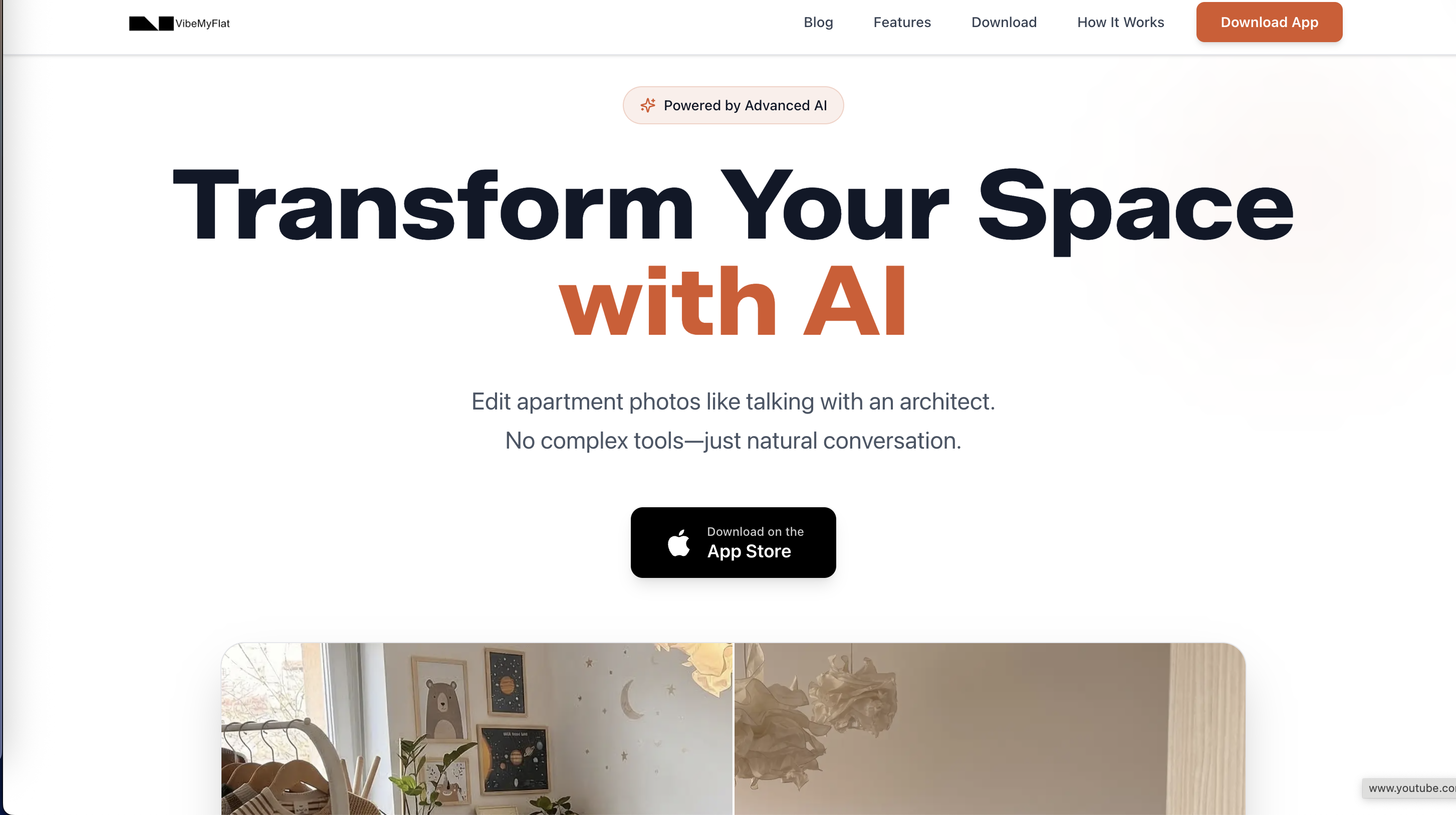
If you want to reduce the steps and time needed to create polished listing images or renovation previews, Vibemyflat provides a user-friendly service trusted by property managers and DIY renovators. Try its quick editing feature to see how simple photo enhancement can be when you just describe what you want.
FAQ
What features make Vibemyflat ideal for interior photo editing?
Vibemyflat excels in quick photo transformations using natural language commands to change elements like wall color and furniture. This speed allows you to finish edits in under 30 seconds, making it perfect for rapid listing-ready images. Homeowners and real estate agents can efficiently prepare visuals for their properties.
How does Vibemyflat compare to XHome?
XHome generates multiple interior redesigns from a single uploaded room photo and operates on a points-based purchase system. Vibemyflat, on the other hand, focuses on rapid visual changes through natural language editing, making it better for users who prefer quick, straightforward edits without needing a points system for each design iteration.
Can I upload photos from multiple devices using Vibemyflat?
Yes, Vibemyflat supports uploads from desktop, tablet, and mobile devices. This cross-device compatibility allows users to work from any device available, making it convenient for homeowners and agents to edit photos on-site during property viewings.
What is the pricing structure for Vibemyflat?
Vibemyflat is free to download without requiring a credit card to get started. Users can explore basic functionalities freely, which is appealing for individuals or agents looking to test the software before considering any paid features.
Is Vibemyflat suitable for teams needing detailed design plans?
Vibemyflat is more suitable for homeowners and real estate agents who need quick visual changes rather than full-scale design planning. Teams requiring comprehensive design and architectural files might need a different software solution, as Vibemyflat focuses on visual results rather than detailed layout plans.