Top 4 Roomideas.ai Alternatives for 2026
Top 4 Roomideas. ai Alternatives for 2026

Finding interior photo editing software that produces realistic mockups quickly without complex interfaces or hardware requirements is still difficult. Many tools require manual layer work, lack mobile support, or charge steep prices without a free trial. This comparison explains features, pricing, and workflows so homeowners, real estate agents, and interior designers can pick software that matches their needs and budget.
Table of Contents
VibeMyFlat
At a Glance
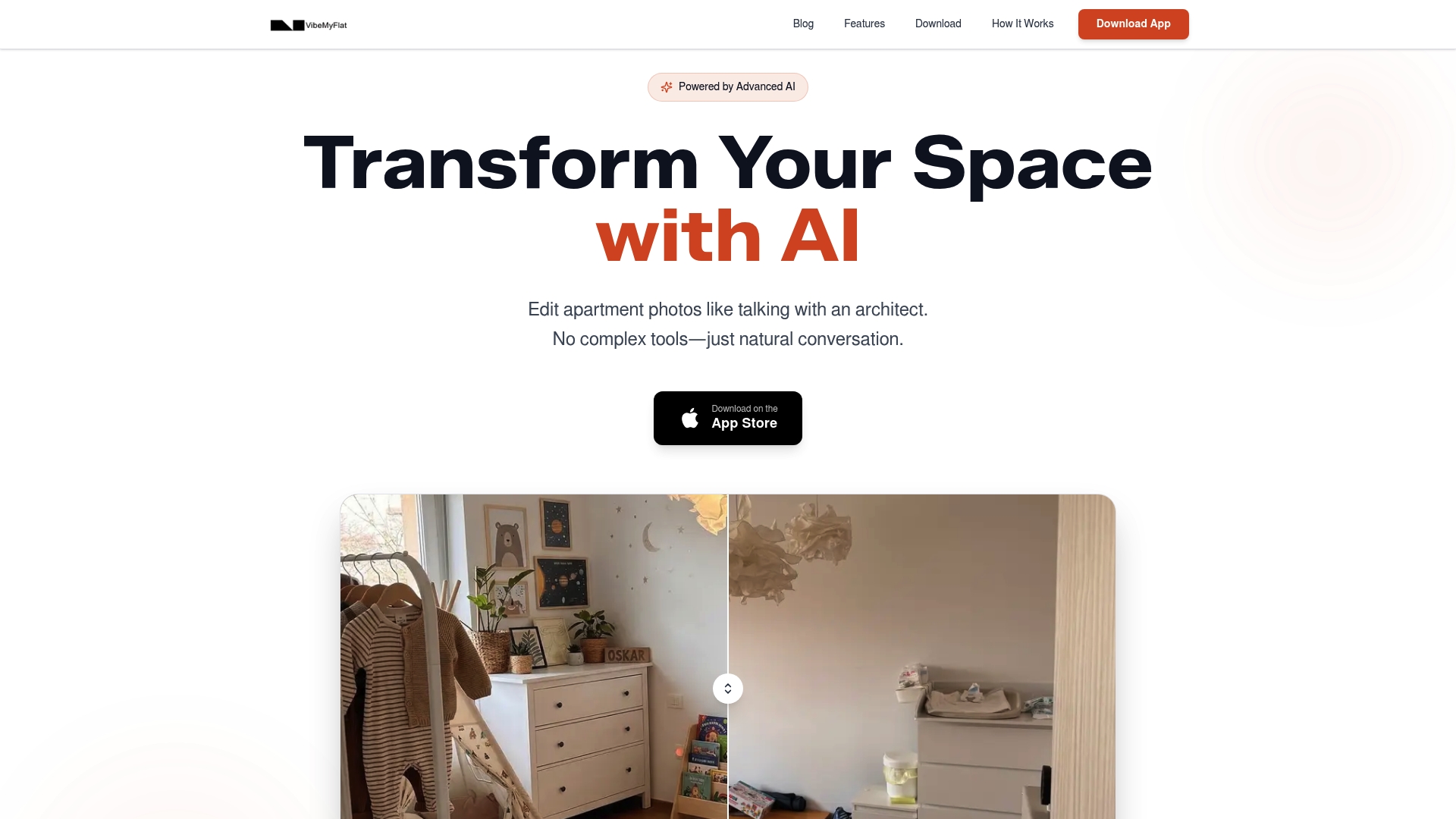
The vendor advertises edits in under 30 seconds using natural language prompts. VibeMyFlat runs as a web-based platform, and a mobile application for iOS and Android. You describe changes in everyday language, and the AI applies design edits to apartment photos. The interface focuses on quick visual options rather than manual layer or mask work.
Core Features
VibeMyFlat accepts plain English instructions to change wall color, flooring, furniture, lighting, and overall style. The AI returns professional-looking photo edits in seconds and presents results on desktop, tablet, or phone. The workflow removes complex tools and lets nontechnical users create multiple design variations for listings and renovation planning.
Key Differentiator
The defining feature is natural language commands that let you describe a redesign and receive an edited image without learning editing tools. That approach shifts the work from manual adjustments to conversational prompts and makes visual changes repeatable across batches of photos.
Pros
The app is simple to use because you type or speak what you want and it applies edits automatically. The vendor advertises high user satisfaction and rapid editing times, which supports fast A/B visualizations for listings. Accessibility across desktop and mobile devices means you can edit on site, in the office, or between client visits. The system fits homeowners, real estate professionals, and interior designers who need quick mockups instead of full technical renders.
Cons
- Limited to digital photo editing; not suitable for physical renovation planning or detailed architectural drawings.
Who It’s For
This tool suits homeowners and renovation enthusiasts who want visual previews before buying paint or furniture. Real estate agents can use it to stage photos quickly for new listings. Interior designers and property managers can create mockups to test concepts without setting up a physical shoot. If you need construction documents, this is not the right tool.
Unique Value Proposition
Natural language prompts on a device-agnostic app let you stage or restyle listing photos between appointments. That capability reduces the need for a laptop or desktop editing session and speeds decision making for agents and sellers. For small teams, it shortens the gap between idea and visual proof.
Real World Use Case
A real estate agent takes phone photos during a showing and uses the mobile app to apply three staging styles. The agent sends the edited options to the seller during the visit and narrows choices before ordering physical staging. This saves time and cuts staging costs by previewing outcomes digitally.
Pricing
VibeMyFlat does not publish a standard pricing tier in its public listing. The vendor lists pricing as not applicable and provides no detailed plan breakdown on the site. Contacting the company is necessary to learn costs or volume licensing.
Website: https://vibemyflat.com
Interior AI
At a Glance
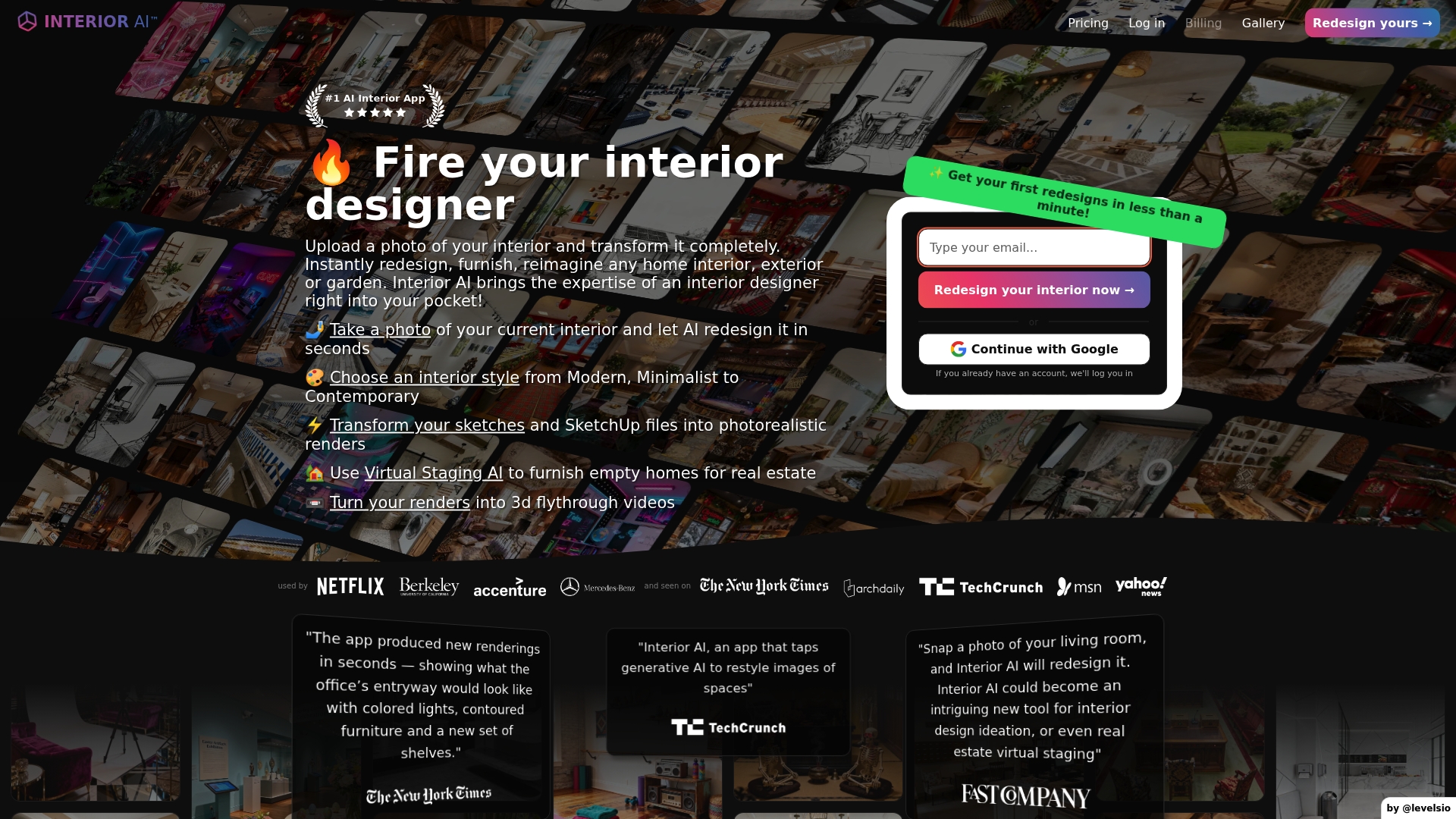
The most popular plan includes 1,000 designs for $49/month. According to the company, Interior AI can produce photorealistic redesigns in seconds. That pricing and rapid-render promise position it as a fast option for visual concept work.
Core Features
Upload a photo of an existing room and receive a photorealistic redesign in seconds, with style choices that span Modern, Minimalist, Luxury, Scandinavian, and more. The tool accepts sketches and SketchUp files and can convert them into higher quality renders while preserving room structure. Virtual staging and immersive 3D walk-through video exports let you stage empty properties or simulate a walkthrough experience.
Key Differentiator
The product emphasizes rapid, style-flexible photorealism. That speed claim pairs with a large style library to generate multiple distinct concepts quickly, which suits workflows that need fast visual options rather than slow manual modeling.
Pros
Interior AI helps brainstorm different looks quickly and preserves architectural details when it applies new finishes or furnishings. The variety of more than fifty styles and the virtual staging feature make it useful for real estate listings and design concepting. Its support for SketchUp and sketch transforms reduces the need to rebuild scenes from scratch, and 3D walk-through generation adds a presentable deliverable for clients or listings.
Cons
- Output quality can feel generic or contain visual artefacts, according to user reports. This undermines trust for high-end presentations.
- There is no free trial, so you cannot test renders before subscribing. That raises risk for casual users.
- Customer support is reportedly difficult to reach, which complicates troubleshooting and purchase disputes.
- Refund policies are strict and refunds are not easy to obtain. This limits experimentation with paid tiers.
When It May Not Fit
If you need flawless, client-ready renders for luxury projects, this tool may underdeliver because output can be generic or show artefacts. If you prefer to test a tool before committing, the lack of a free trial makes early evaluation costly. If responsive vendor support and flexible refunds matter to you, the strict refund policy and reported support gaps make Interior AI a poor match.
Who It’s For
Homeowners who want quick visual options for a room refresh will find the fast concept generation helpful. Real estate professionals who need virtual staging and multiple listing images can use the staging and 3D exports to enhance listings. Interior designers can use it for early concept studies when speed matters more than pixel-perfect realism.
Real World Use Case
A homeowner uploads a living room photo and selects a contemporary style. The app returns a photorealistic redesign and several alternate concepts. That speed claim helps the homeowner compare furniture and color choices before buying or hiring a designer.
Pricing
The most popular plan is $49/month for 1,000 designs. Higher tiers listed at $99/month and $199/month add more features and higher quality renders. Billing is monthly or yearly, with discounts offered for annual plans.
Website: https://interiorai.com
Spacely AI
At a Glance
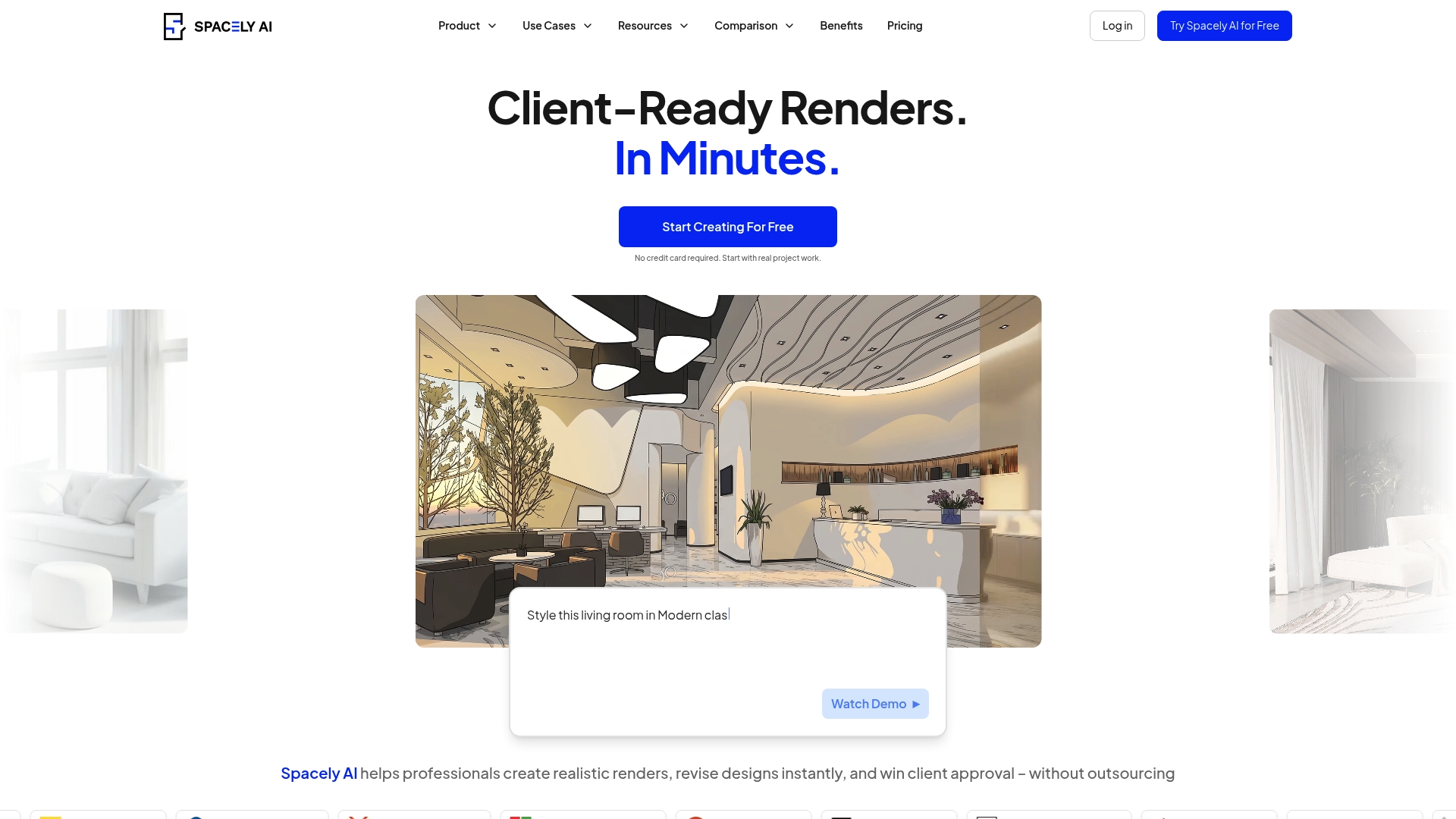
Spacely AI’s marketing materials claim images render in under 60 seconds. That speed aims to shorten review loops and get client feedback faster. The product pairs web based, cloud rendering with extensions for SketchUp, Revit, AutoCAD, and Rhino to slot into design workflows.
Core Features
Spacely AI produces AI generated photorealistic interior and architecture renders and supports real time design revisions so you do not rebuild geometry for each change. The platform includes built in staging, style transfer, and auto editing tools and integrates via extensions or API with common CAD tools. It runs in the cloud so no local install is required for most users.
Key Differentiator
The platform centers on instant, AI assisted rendering that lets teams iterate visuals without lengthy modeling. That approach shortens handoff cycles and keeps feedback loops within design meetings and client calls. The SketchUp extension and API connectivity make it practical for studios that already use those tools.
Pros
The vendor advertises fast render times, and that speed claim helps teams produce client ready visuals quickly for proposals and walkthroughs. Integration with SketchUp and mainstream CAD tools keeps files moving between modeling and visualization without complex export steps. Collaboration and private project controls help small firms and agencies share iterations and keep client assets organized.
Cons
- Output quality can sometimes read as unrealistic or not meet high end production standards, according to user reviews.
- Credits are expensive, and consumption can become high for larger projects.
- The system can be slow to generate images under complex conditions.
- Customer support is often reported as unresponsive or lacking.
When It May Not Fit
If you need final presentation quality for high end advertising, this tool can produce results that fall short of production expectations. Firms that run many large renders will see credit costs accumulate quickly. Teams that require guaranteed sub minute renders in every scenario may find occasional slowdowns disruptive. Projects needing responsive vendor support should plan for slower response times.
Notable Integrations
- SketchUp Extension Warehouse
- Revit
- AutoCAD
- Rhino
Who It’s For
Design professionals, small agencies, and real estate teams that want fast visualization without heavy modeling are the best fit. Architects using conceptual studies will gain speed. Real estate agents who need quick virtual staging can create multiple listing variations rapidly.
Real World Use Case
An interior designer uses the SketchUp extension to turn a rough model into photorealistic room images within minutes. The designer runs several style transfers and shares three options with a client during the same meeting. That workflow removes the need to outsource early visuals.
Pricing
Plans include Free, Personal at $20/month, Studio at $40/month, Agency at $80/month, and Education at $30/month. Pricing relies on credits for render consumption and costs rise for large batches.
Website: https://spacely.ai
Zory AI

At a Glance
Starting price is 5 SAR for initial design creation. Zory AI reports high user satisfaction with an easy to navigate interface, according to the vendor. The service pairs realistic 3D and 360 degree visualization with direct product suggestions from multiple stores.
Core Features
AI powered furniture discovery identifies matching items from uploaded photos and links those items to retailers. Text to image generation and room redesign tools let you test alternative styles and color schemes quickly. The platform produces 3D and 360 degree space visualizations and supports furniture placement plus basic space planning with purchasable products.
Key Differentiator
The platform combines AI generated realistic interior designs with direct shopping from multiple trusted stores. That pairing reduces the number of steps between mockup and purchase for homeowners, designers, and retailers. It focuses on showing real products inside accurate visualizations rather than abstract concepts.
Pros
Reviewers praise the interface as easy to navigate, which reduces onboarding time for homeowners and designers. The AI features create realistic mockups rapidly, helping teams present multiple concepts without lengthy renders. The reported satisfaction goes hand in hand with user comments about cost savings and improved lead quality after using generated visuals. Customer support is described as responsive in the available feedback.
Cons
-
Third party negative reviews are scarce. That scarcity makes independent validation harder.
-
Pricing details beyond the initial 5 SAR offer are limited and not listed by tier.
-
The vendor has not published specific scenarios where the product is unsuitable, which complicates selection for niche workflows.
Who It’s For
Homeowners who want quick visual options and purchasable product links will find this useful. Interior designers who create fast client drafts and furniture retailers who want contextual product displays also fit the profile. If you sell furniture or present renovation options, this targets your primary tasks.
Real World Use Case
A homeowner uploads a living room photo and applies a chosen style. Zory AI generates multiple layouts with purchasable furniture options from partner stores. The homeowner saves a chosen layout, shares it with contractors, and purchases selected items from the presented product links.
Pricing
Pricing starts at 5 SAR for initial design creation, as stated by the vendor. Additional features and tiers likely exist, but specific plans and subscription details are not listed publicly.
Website: https://zory.ai
Comparison of alternatives
VibeMyFlat stands out for its implementation of intuitive natural language commands, allowing users to restyle any interior photograph efficiently and effortlessly. It demonstrates a user-friendly approach tailored to non-technical users. However, several competitors in the same category offer compelling advantages for distinct user scenarios, as detailed below.
Natural Language vs. Style Libraries
One of VibeMyFlat’s key innovations is its reliance on natural language commands for editing interior photographs. This empowers users who are less familiar with advanced editing tools to quickly visualize design options. On the other hand, Interior AI delivers extensive style libraries focused on photorealistic finishing, which appeals to professionals aiming for high-level presentation. Furthermore, Interior AI enhances its utility with SketchUp integration and 3D walk-through capabilities, providing higher flexibility for complex projects.
Versatility in Design Applications
While VibeMyFlat adequately serves quick mockups and renovation previews, Spacely AI offers integration with mainstream CAD tools like AutoCAD and Revit and supports multi-user collaboration for design studios and agencies. This extended compatibility allows design teams to include photorealistic rendering in advanced architectural modeling workflows without additional requiremens for specialized software, benefitting larger or technically demanding projects.
Best fit
- Homeowners and renovation planners: VibeMyFlat provides a streamlined solution for experimenting with interior changes using conversational instructions.
- Professional designers needing CAD integration: Spacely AI allows integration into tools like AutoCAD and SketchUp for workflow support.
- Firms requiring rapid photorealistic outputs with diverse styles: Interior AI stands out with its vast stylistic options and speedy virtual staging capabilities.
- Users desiring purchasable designs: Zory AI features furniture integration tools, linking styles to vendor products directly.
Our pick
VibeMyFlat’s natural language-based interface offers simplicity, enabling users to create mockups without requiring technical expertise. This feature addresses the needs of users seeking quick design previews for decision-making or visual experiments. However, for advanced architectural design or professional-grade photorealistic renderings, Spacely AI and Interior AI excel in their respective specializations, providing alternatives tailored to specific scenarios.
When considering efficient and user-friendly platforms for interior photo editing and visualization, the following comparison highlights notable options.
| Product | Core Feature | Key Differentiator | Pricing | Limitation |
|---|---|---|---|---|
| Vibemyflat | Natural language prompts for photo redesigns | AI applies edits automatically based on descriptions | Price not published | Limited to digital photo editing |
| Interior AI | Photorealistic room redesign and virtual staging | Extensive style library with fast renders | $49/month | Output quality can appear generic |
| Spacely AI | AI-generated architectural rendering integration | Integrates with CAD tools for iterative workflows | $20–$80/month | Occasional slow rendering |
| Zory AI | Realistic mockups with purchasable product links | Combines design visualization with direct shopping | Starting at 5 SAR | Limited publicly listed pricing information |
How Can You Easily Visualize Room Changes Without Complex Tools?
Choosing the right tool among roomideas.ai alternatives can be tough when you want fast, natural language-driven photo edits. Vibemyflat meets this need by letting homeowners, real estate agents, and interior designers describe changes in plain English and get professional results in under 30 seconds. It eliminates the steep learning curve of manual editing while supporting quick staging and renovation previews across your phone, tablet, or desktop.
Explore how Vibemyflat’s user-friendly platform helps you create multiple design looks instantly and refine decisions quickly. Visit Vibemyflat now to try editing your space with natural language prompts and enhance your property visuals the easy way.
FAQ
What features does Vibemyflat offer for quick interior photo editing?
Vibemyflat allows users to apply design edits to apartment photos using natural language prompts. The platform generates professional-looking photo edits in seconds, making it ideal for creating multiple design variations without complex tools.
How does Vibemyflat compare to Interior AI for redesign flexibility?
Interior AI excels in producing photorealistic redesigns quickly and supports a wide variety of styles. Vibemyflat, on the other hand, focuses on simplicity with natural language commands, making it more accessible for nontechnical users who need fast mockups without detailed 3D modeling.
What is the pricing model for Vibemyflat?
Vibemyflat does not publicly list standard pricing on its site, with costs labeled as not applicable. Interested users need to contact the company for pricing details or volume licensing.
Which platform offers more extensive style options for room redesigns, Spacely AI or Vibemyflat?
Spacely AI boasts integration with popular CAD tools and offers real-time design revisions. Vibemyflat is simpler to use and better suited for quick edits, making it the preferred choice for users who want to generate visual options without complex modeling.
How quickly can I expect results when using Vibemyflat?
Vibemyflat advertises edits that can be completed in under 30 seconds. This quick turnaround helps users efficiently visualize design changes and share them with clients or stakeholders.