Smart Home Enhancement Tips for Homeowners in 2026
Smart Home Enhancement Tips for Homeowners in 2026
TL;DR:
- A solid home network is essential for reliable smart home operation and should be optimized first.
- Choosing Matter 1.3-certified devices and running automations locally enhances compatibility and reliability.
Smart home enhancement tips are concrete actions and device choices that improve your home’s convenience, security, and energy efficiency through automation and technology integration. The global smart home market is projected at $175.1 billion in 2026, and well-configured systems can cut energy bills by up to 30%. The industry term for this practice is home automation, and the best results come from combining the right devices, a solid network, and practical routines. Standards like Matter 1.3 now make interoperability between brands far more reliable. This guide covers network optimization, room-specific upgrades, automation routines, and the pitfalls that trip up most homeowners.
1. Smart home enhancement tips start with your network
Your home network is the foundation of every smart device you own. Most smart home problems trace back to network issues like multicast packet drops and Wi-Fi congestion, not the devices themselves. That means fixing your router setup solves more problems than buying new gadgets.
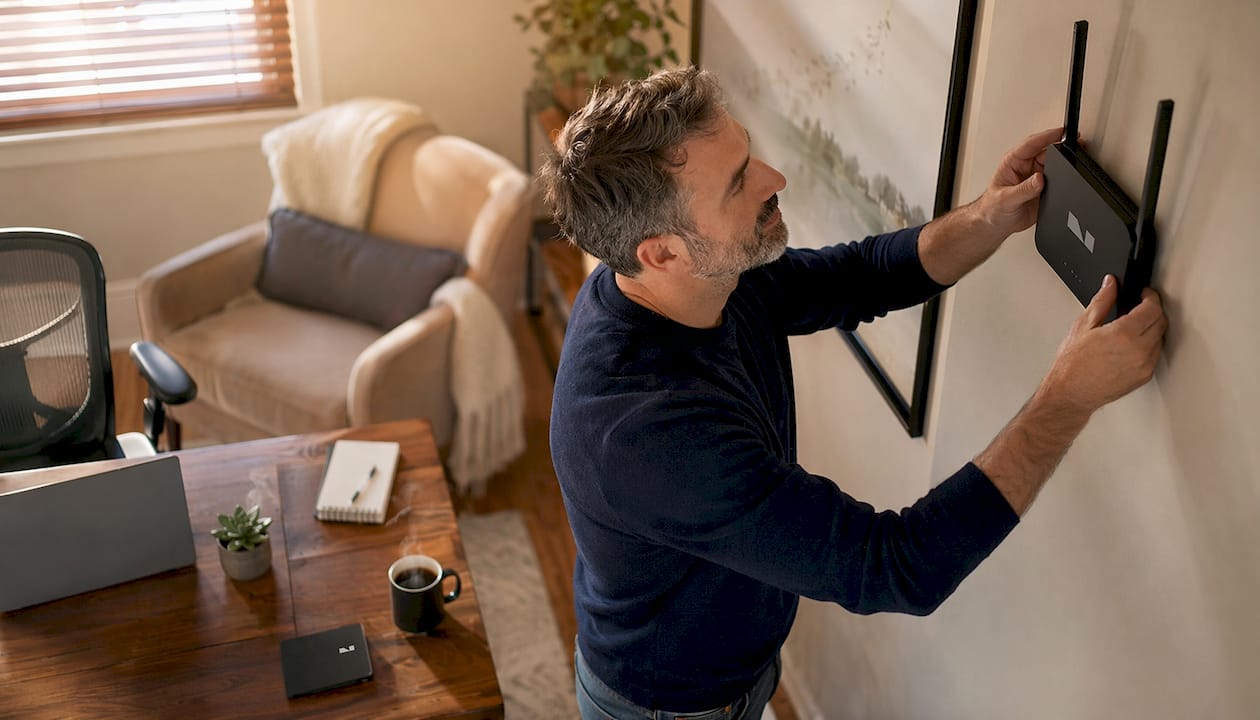
Position your router 5–7 feet off the ground, centrally located, and 3–5 feet from walls. This placement maximizes signal coverage and reduces dead zones throughout your home.
Use your router’s two frequency bands strategically. The 2.4GHz band reaches farther and penetrates walls better, so it works best for sensors, smart plugs, and locks. The 5GHz band delivers faster speeds, so assign it to video doorbells, streaming devices, and cameras. 75% of smart devices experience latency issues on congested 2.4GHz networks. That statistic explains why separating device types across bands makes such a measurable difference.
Limit your connected devices to 20–30 per network for reliable performance. Beyond that threshold, routers struggle to manage traffic efficiently. Enable Quality of Service (QoS) settings in your router’s admin panel to prioritize time-sensitive devices like security cameras over background devices like smart plugs.
Pro Tip: Create a dedicated VLAN or guest network just for your smart home devices. This isolates them from your personal computers and phones, improving both security and network performance.
Thread-based devices form self-healing mesh networks that operate independently of Wi-Fi traffic. Thread is especially useful for battery-powered sensors and locks because it extends range without adding congestion to your main network.
2. Choose devices that solve real problems first
The best home automation ideas start with devices that address high-frequency pain points. Smart plugs and smart bulbs deliver immediate impact because you interact with lights and outlets dozens of times a day. They are also inexpensive entry points that let you test automation concepts before committing to larger upgrades.
Living room: Scene lighting lets you shift from bright task lighting to dim evening ambiance with a single command. Pair it with a smart thermostat, which delivers the best ROI of any smart device and typically pays for itself in under a year through 10–30% savings on heating and cooling costs.

Kitchen: Energy monitors on high-draw appliances like refrigerators and dishwashers reveal which devices consume the most power. Smart plugs with scheduling features let you run the dishwasher during off-peak electricity hours automatically.
Bedroom: Sleep mode lighting scenes that dim gradually signal your body to wind down. Air quality monitors track CO2 and humidity levels, which directly affect sleep quality.
Security: Smart locks, video doorbells, and motion-triggered outdoor lighting form a practical security layer. For outdoor spaces, integrating smart technology into patios and entryways extends your security perimeter and adds convenience.
| Device category | Key benefit | Best room |
|---|---|---|
| Smart thermostat | 10–30% energy savings | Living room, hallway |
| Smart bulbs and scenes | Mood and task lighting control | Every room |
| Video doorbell | Real-time visitor monitoring | Front entry |
| Smart lock | Keyless access and activity logs | All entry doors |
| Energy monitor | Identifies high-draw appliances | Kitchen, laundry |
| Air quality monitor | Tracks CO2, humidity, and VOCs | Bedroom, nursery |
| Smart plug with scheduling | Automates appliance timing | Kitchen, office |
Pro Tip: Before buying any device, check that it carries the Matter 1.3 certification logo. 78% of new mid-tier devices have adopted Matter 1.3, which means they work across Apple Home, Google Home, and Amazon Alexa without workarounds.
3. Build automation routines that actually reduce effort
Home automation ideas only deliver value when they remove decisions from your day, not add them. Automation routines are sets of triggers and actions that run without manual input. Triggers include voice commands, time schedules, and geofencing (your phone’s location).
Three routines cover the majority of daily smart home interactions:
- Morning wake-up: Lights gradually brighten 20 minutes before your alarm. The thermostat shifts from night setback to your preferred daytime temperature. The coffee maker starts.
- Leaving home: When your phone exits a defined geofence, lights turn off, the thermostat drops to an energy-saving setpoint, and the door locks confirm their status.
- Goodnight: A single voice command or button press dims all lights, locks doors, arms the security system, and sets the thermostat to sleep mode.
Generative AI home agents now handle 42% of routine triggers without any voice input. That figure reflects how far predictive automation has advanced. The system learns your patterns and acts before you ask.
Local execution of automation routines is the most underrated reliability upgrade you can make. When routines run on a local hub rather than a cloud server, they continue working during internet outages. Security and lighting automations should always run locally.
Pro Tip: Build and test one routine at a time. Run it for a week before adding the next. This approach makes it easy to identify what is working and what needs adjustment without debugging multiple variables at once.
Start with routines that solve a specific, recurring frustration. If you constantly forget to turn off lights when you leave, geofencing solves that immediately. If your mornings feel rushed, a wake-up routine buys you time without any extra effort.
4. Prioritize interoperability to future-proof your setup
Interoperability is the ability of devices from different brands to communicate and work together. Without it, you end up managing three separate apps for three separate ecosystems, which defeats the purpose of a smart home.
Matter 1.3 is the current industry standard for device interoperability. It runs over Wi-Fi, Thread, and Ethernet, and it is backed by Apple, Google, Amazon, and Samsung. Choosing Matter-certified devices means your investment survives brand changes and platform updates.
Thread deserves special attention here. Thread mesh networks are self-healing, meaning if one device goes offline, traffic reroutes through other devices automatically. This makes Thread-based sensors and locks significantly more reliable than Wi-Fi-only alternatives.
Check the smart home design principles behind your device choices before purchasing. A well-designed setup prioritizes open standards over proprietary ecosystems, giving you flexibility as technology evolves.
5. Avoid the most common smart home upgrade mistakes
Most smart home frustration comes from a handful of predictable errors. Recognizing them before you make them saves money and time.
- Buying rarely used “smart” appliances. A smart appliance you interact with once a week delivers almost no automation value. Focus on devices you use multiple times daily.
- Skipping firmware updates. Outdated firmware is one of the most common entry points for network attacks. Set a quarterly reminder to check and update every device.
- Ignoring local execution. Routines that depend entirely on cloud servers fail during outages. Configure your hub to run core automations locally.
- Chasing trends instead of solving problems. A new gadget category is not a reason to buy. Ask whether it removes a specific friction point from your daily routine.
- Upgrading everything at once. Starting with one or two problem-solving devices produces better results than a full-house overhaul. You learn faster and spend smarter.
- Mixing incompatible ecosystems. Devices that do not share a common standard require workarounds that break over time. Stick to Matter-certified hardware from the start.
“The best smart home is not the one with the most devices. It is the one where every device earns its place by solving a real problem reliably, every single day.”
Sustainable smart home upgrades follow a simple rule: high-frequency interactions justify smart technology. Lights, thermostats, locks, and security cameras qualify. A smart toaster probably does not.
Key takeaways
The most effective smart home enhancement strategy combines a solid network foundation, Matter 1.3-certified devices, and locally executed automation routines that solve specific daily problems.
| Point | Details |
|---|---|
| Network first | Fix router placement and band assignment before buying any new devices. |
| Start with high-impact devices | Smart thermostats and lighting deliver the fastest, most measurable returns. |
| Use Matter 1.3 | Certified devices work across all major platforms and protect your investment long-term. |
| Run automations locally | Local execution keeps routines working during internet outages. |
| Upgrade incrementally | Add one or two devices at a time to learn what works before expanding. |
What I’ve learned from building smart homes the hard way
The homes that work best are not the ones with the most devices. They are the ones built around a clear network foundation and a short list of genuinely useful automations. I have seen homeowners spend thousands on smart appliances and end up more frustrated than before, simply because their router was in the wrong room.
The single most underrated upgrade is local execution. When your automations depend on a cloud server, you are one internet outage away from a house that does not respond. Running routines on a local hub changes the reliability equation entirely.
Interoperability is the other lesson most people learn too late. Buying into a proprietary ecosystem feels fine until the manufacturer discontinues support or raises subscription prices. Matter 1.3 exists precisely to prevent that lock-in. I would not buy a device without it in 2026.
The lighting upgrade is almost always the right first step. It is low cost, immediately visible, and teaches you how automation triggers work before you tackle more complex routines. Start there, get comfortable, then expand.
The shiny object problem is real. New device categories appear constantly, and the marketing is persuasive. The filter I use is simple: does this device interact with my daily routine at least five times a day? If not, it is a novelty, not an upgrade.
— Hello
Vibemyflat can help you plan your next upgrade
Planning a smart home upgrade is easier when you can see the result before you commit. Vibemyflat uses AI to let you visualize interior changes, including lighting setups, wall colors, and room layouts, in under 30 seconds. You describe what you want in plain language, and the platform generates a professional-quality preview instantly.

Whether you are planning a room-specific device upgrade or rethinking your entire home layout, Vibemyflat’s AI tools let you test ideas visually before spending a dollar. That means fewer regrets and smarter decisions at every stage of your smart home build.
FAQ
What are the best smart home devices for beginners?
Smart thermostats, smart bulbs, and smart plugs deliver the highest return for new homeowners. A smart thermostat alone can save 10–30% on heating and cooling costs and typically pays for itself in under a year.
How do I improve my smart home’s reliability?
Fix your network first. Most smart device failures trace back to Wi-Fi congestion or router placement, not the devices themselves. Position your router centrally, separate devices across 2.4GHz and 5GHz bands, and limit connected devices to 20–30.
What is Matter 1.3 and why does it matter?
Matter 1.3 is the current interoperability standard for smart home devices, backed by Apple, Google, Amazon, and Samsung. Devices with Matter 1.3 certification work across all major platforms without workarounds, protecting your investment as technology evolves.
Should smart home automations run locally or in the cloud?
Local execution is more reliable. Routines that run on a local hub continue working during internet outages, which is critical for security and lighting automations. Reserve cloud-dependent features for non-essential functions.
How often should I update my smart home device firmware?
Security experts recommend checking for firmware updates quarterly. Outdated firmware is one of the most common entry points for network attacks on smart home systems.