Types of Smart Home Decor: A 2026 Style Guide
Types of Smart Home Decor: A 2026 Style Guide

TL;DR:
- Smart home decor integrates technology into furnishings for aesthetic and functional benefits, with invisible design dominating 2026.
- The most effective approach involves choosing concealed, integrated devices, starting with smart lighting and layering categories gradually.
Smart home decor is defined as the integration of connected technology directly into home furnishings, fixtures, and surfaces to serve both aesthetic and functional purposes. The industry term for this practice is “ambient intelligence design,” though most homeowners know it simply as smart decor. The invisible tech trend dominates 2026, with designers concealing or camouflaging devices so they disappear into the room. Understanding the main types of smart home decor helps you make choices that improve your space without cluttering it with gadgets.
1. What are the main types of smart home decor?
Smart home decor divides into five clear categories: smart lighting, connected furniture and accessories, security and entry fixtures, climate control systems, and environmental monitors. Each category solves a different design problem. The best rooms combine two or three categories rather than trying to automate everything at once. Knowing which category fits each room is the first step toward a space that feels intentional, not wired.

2. Integrated smart lighting styles and their design features
Smart lighting is the most impactful and accessible category of connected decor. It changes a room’s mood, makes spaces feel larger, and works invisibly when installed correctly.
Recessed downlights sit flush with the ceiling and create the cleanest possible look. They suit minimalist and Japandi interiors because the fixture itself disappears. Installation costs typically range from $38 to $100 per fixture depending on your market, making them a mid-range investment for a high-impact result.
Smart table lamps and light strips add decorative value on their own. A lamp with an aesthetic finish doubles as sculpture when switched off. Decorative smart lamps with color and tuning features are widely available at accessible price points, giving you a stylish alternative to standard smart bulbs.
Circadian and tunable white lighting adjusts color temperature throughout the day, shifting from cool daylight tones in the morning to warm amber tones at night. Tunable white lighting enhances mood and sleep quality while blending invisibly into home design. This makes it one of the few smart home accessories that improves your health without any visible hardware.
Pro Tip: Layer two to three smart lights in different corners of a small room, or place one near a bookshelf. Layered lighting makes compact spaces feel larger and more comfortable without adding furniture.
| Lighting type | Best room | Aesthetic style | Approximate cost |
|---|---|---|---|
| Recessed downlights | Living room, kitchen | Minimalist, Japandi | $38–$100 per fixture |
| Smart table lamps | Bedroom, reading nook | Eclectic, transitional | $50–$120 |
| LED light strips | Under cabinets, shelves | Modern, industrial | $20–$60 |
| Circadian ceiling panels | Home office, bedroom | Scandinavian, neutral | $80–$200 |
3. Smart furniture and accessories that blend technology invisibly
The best smart furniture looks like regular furniture. Technology sits inside or behind it, not on top of it. This approach, called furniture-first design, keeps rooms looking clean while adding real function.
Key options in this category include:
- Modular storage with integrated charging: Sideboards and nightstands with built-in wireless charging pads eliminate cable clutter on surfaces.
- Motorized adjustable desks: These work especially well in small home offices where one surface must serve multiple purposes throughout the day.
- Smart speakers disguised as decor: Fabric-covered speakers blend with soft furnishings. Placing them behind open shelving or inside cabinetry hides the hardware entirely.
- Peel-and-stick tech mounts: Peel-and-stick mounting systems let renters install smart devices without drilling or wiring changes. Adhesive switch covers and removable mounts make stylish tech integration possible in any rental.
The space-saving potential of smart furniture is significant in compact apartments. A motorized desk that folds flat or a storage ottoman with a built-in hub replaces two pieces of furniture with one.
Pro Tip: Choose your furniture first, then find the technology that fits inside it. Buying tech first and furniture second almost always results in visible cables and awkward placements.
4. Smart security and entry decor: blending safety with style
Security hardware used to be an eyesore. Modern smart security decor fits existing architectural details so well that most visitors never notice it.
Smart locks designed to fit existing deadbolt footprints maintain a traditional door appearance while offering keyless entry. You replace the internal mechanism, not the door hardware, so the curb appeal stays intact. Finish options in matte black, brushed nickel, and satin brass match most door hardware families.
Video doorbells now come in flush-mount versions that sit nearly flat against the door frame. Matching the doorbell finish to your door hardware or exterior paint color makes it read as part of the architecture rather than an addition to it.
Compact motion sensors and contact sensors hide behind door molding, inside cabinet frames, or beneath window sills. The Matter 1.5 interoperability standard means these sensors communicate with locks, lights, and thermostats from different brands through a single app. That unified control removes the need for multiple hubs cluttering your countertops.
Practical tips for visual integration:
- Match all entry hardware finishes to one metal family.
- Choose a doorbell with a slim profile and a color that reads as trim, not device.
- Run sensor wires inside existing molding channels rather than along wall surfaces.
- Use a single app or hub to control all entry devices so you avoid multiple control panels.
5. Climate control and environmental monitoring as functional decor
Climate tech is the category most homeowners overlook from a design perspective. A thermostat on a white wall in a warm-toned room stands out immediately. Choosing the right finish and placement turns a utility device into a considered design element.
Smart thermostats with occupancy sensors learn your schedule and adjust automatically. Connected smart thermostats reduce energy bills by 10% to 23% depending on occupancy patterns and demand-response integration. That saving pays for the device within one to two heating seasons in most climates.
Motorized window shades that sit flush with the window frame are among the most underrated smart decor ideas. They replace bulky curtain rods and fabric stacks with a clean, architectural line. Paired with a smart thermostat, they block solar heat gain automatically, reducing cooling loads without any manual adjustment.
Air quality monitors track CO₂, humidity, and volatile organic compounds (VOCs) in real time. The best-designed units use e-ink displays or minimal LED indicators so they read as wall art rather than lab equipment.
| Device | Design priority | Key function |
|---|---|---|
| Smart thermostat | Finish matching wall color | Occupancy-based energy savings |
| Motorized shades | Flush frame installation | Solar heat and privacy control |
| Air quality monitor | Minimal display, neutral casing | CO₂, humidity, VOC tracking |
| Recessed HVAC vent | Flush ceiling or wall mount | Zoned airflow without visible grilles |
6. How to select and mix smart decor for different rooms
The room-first philosophy is the most reliable method for choosing and combining smart decor. You identify the room’s primary function and focal point first, then select technology that serves those priorities without competing with them.
A living room built around a sofa and a media wall benefits most from recessed lighting, a hidden speaker system, and motorized shades. The technology serves the experience of watching, talking, and relaxing. A kitchen benefits from panel-ready smart appliances that match cabinetry, under-cabinet lighting strips, and a flush-mount sensor for air quality.
For compact spaces, layering lighting and smart furnishings together creates the biggest return. A small bedroom gains more from a smart lamp with a circadian schedule and a nightstand with wireless charging than from any single expensive device. The combination addresses sleep quality, surface clutter, and ambiance in one move.
Budget matters in every room. Cohesive design integration does not require buying the most expensive version of every device. Choosing consistent finishes and a single control platform costs nothing extra and makes a mid-range setup look considered.
Pro Tip: Start with lighting before any other smart decor category. It delivers the most visible change per dollar spent, works in every room, and creates the foundation for every other automated home style you add later.
Key takeaways
The most effective approach to smart home decor is to choose technology that disappears into your design rather than competing with it.
| Point | Details |
|---|---|
| Start with lighting | Smart lighting delivers the highest visual impact per dollar and works in every room. |
| Use furniture-first design | Choose furniture that conceals technology rather than placing devices on top of surfaces. |
| Match finishes deliberately | Consistent metal finishes and neutral casings make security and climate devices blend into architecture. |
| Apply the room-first philosophy | Identify each room’s function before selecting technology to serve it. |
| Layer categories gradually | Combining two or three smart decor categories per room creates a cohesive result without tech overload. |
Why I think most people approach smart decor backwards
Most homeowners buy a smart device, then try to find a place for it. That sequence almost always produces a room that looks wired rather than designed. The Japandi aesthetic offers a useful corrective: it requires that any device not matching the room’s muted palette be hidden behind panels or cabinetry. That discipline forces you to think about concealment before purchase, not after.
I have seen this play out repeatedly. A homeowner installs a smart speaker on a shelf, then adds a hub on the counter, then a router in the corner. Within six months, the room has five blinking devices and a cable management problem. Centralizing all hubs in one concealed closet or cabinet rack removes that clutter entirely. One decision eliminates five problems.
The other mistake is trying to automate everything at once. Start with lighting. Add climate control next. Build the ecosystem over time. A room that gains one well-chosen smart category per season ends up far more cohesive than one that gets everything installed in a weekend.
— Hello
Visualize your smart decor ideas before you commit
Choosing the right smart decor combination is easier when you can see it in your actual space before buying anything. Vibemyflat lets you upload a photo of any room and describe the changes you want in plain language. Want to see recessed lighting instead of a ceiling fixture? A motorized shade replacing your curtains? Vibemyflat renders the result in under 30 seconds.
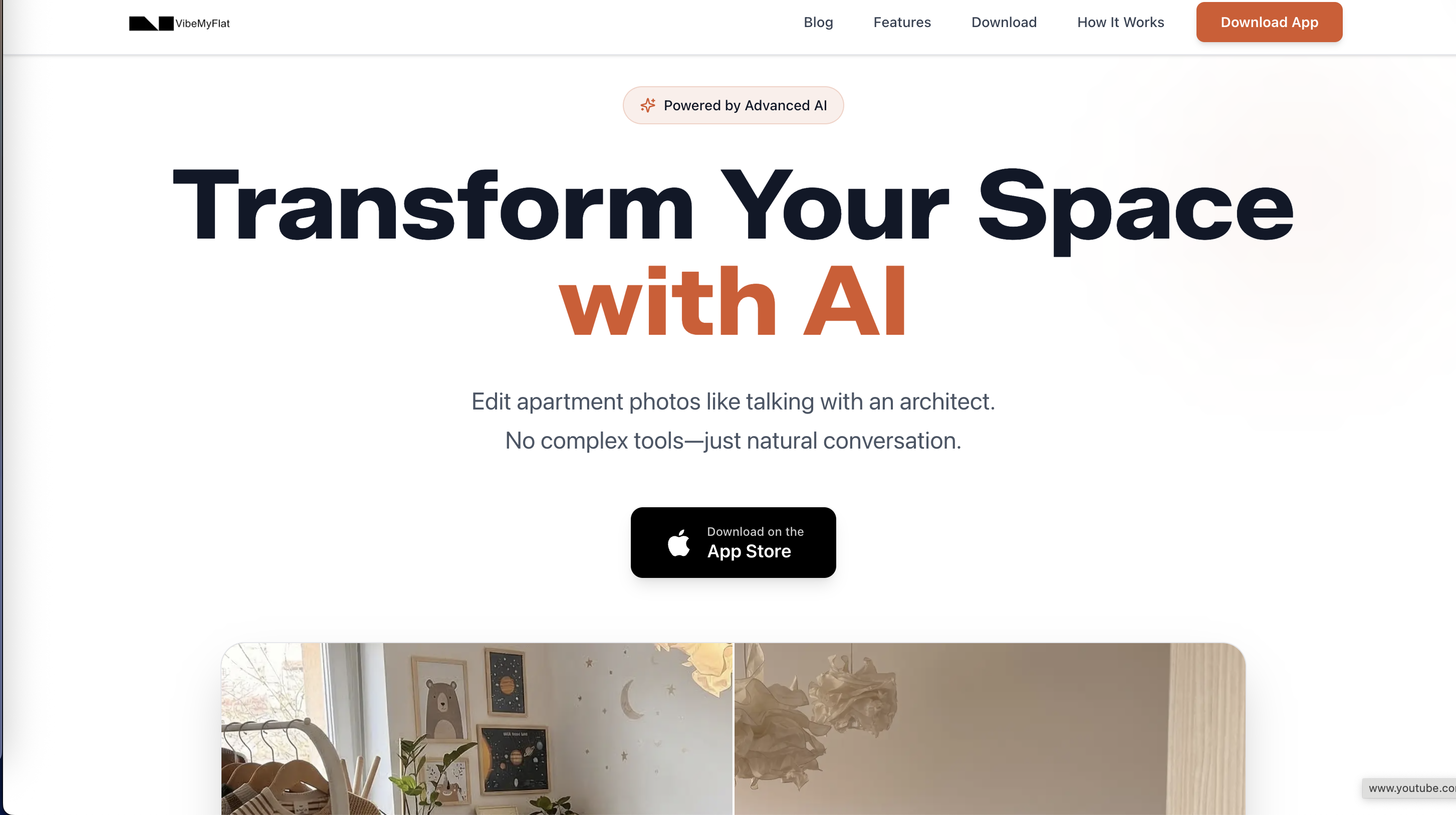
Homeowners and designers use Vibemyflat’s AI photo editing to test smart decor ideas, compare finishes, and present renovation plans without touching a wall. It works on any device, requires no design software experience, and produces professional-quality results instantly. Try it before your next purchase.
FAQ
What is smart home decor?
Smart home decor is the integration of connected technology into home furnishings, lighting, and fixtures so that devices serve both aesthetic and functional purposes. The goal is technology that improves the room without being visible.
Which type of smart decor should I install first?
Start with smart lighting. It delivers the most visible improvement per dollar, works in every room, and creates a foundation for other automated home styles you add later.
Can renters use smart home decor without damaging walls?
Yes. Peel-and-stick mounting systems and adhesive switch covers let renters install smart devices without drilling or permanent wiring changes, making stylish tech integration possible in any rental.
How much do smart thermostats actually save on energy bills?
Connected smart thermostats reduce energy bills by 10% to 23% depending on occupancy patterns and demand-response integration, typically paying for themselves within one to two heating seasons.
What is the invisible tech trend in smart home design?
Invisible tech is the practice of concealing or camouflaging smart devices so they blend into ceilings, walls, or furniture. It is the dominant smart home design direction through 2026, favored by designers working in minimalist and Japandi styles.