Top 3 vibespace.design Alternatives 2026
Top 3 vibespace. design Alternatives 2026

Producing realistic interior photo edits for listings and staging often forces users into desktop software with steep learning curves and long turnaround times. Most platforms either limit editing to templates without true photorealism or require technical integration that blocks fast results for agents and designers. This comparison covers speed, input simplicity, and workflow fit across three interior photo editors so you can match one to your team’s skill level and marketing needs without guesswork.
Table of Contents
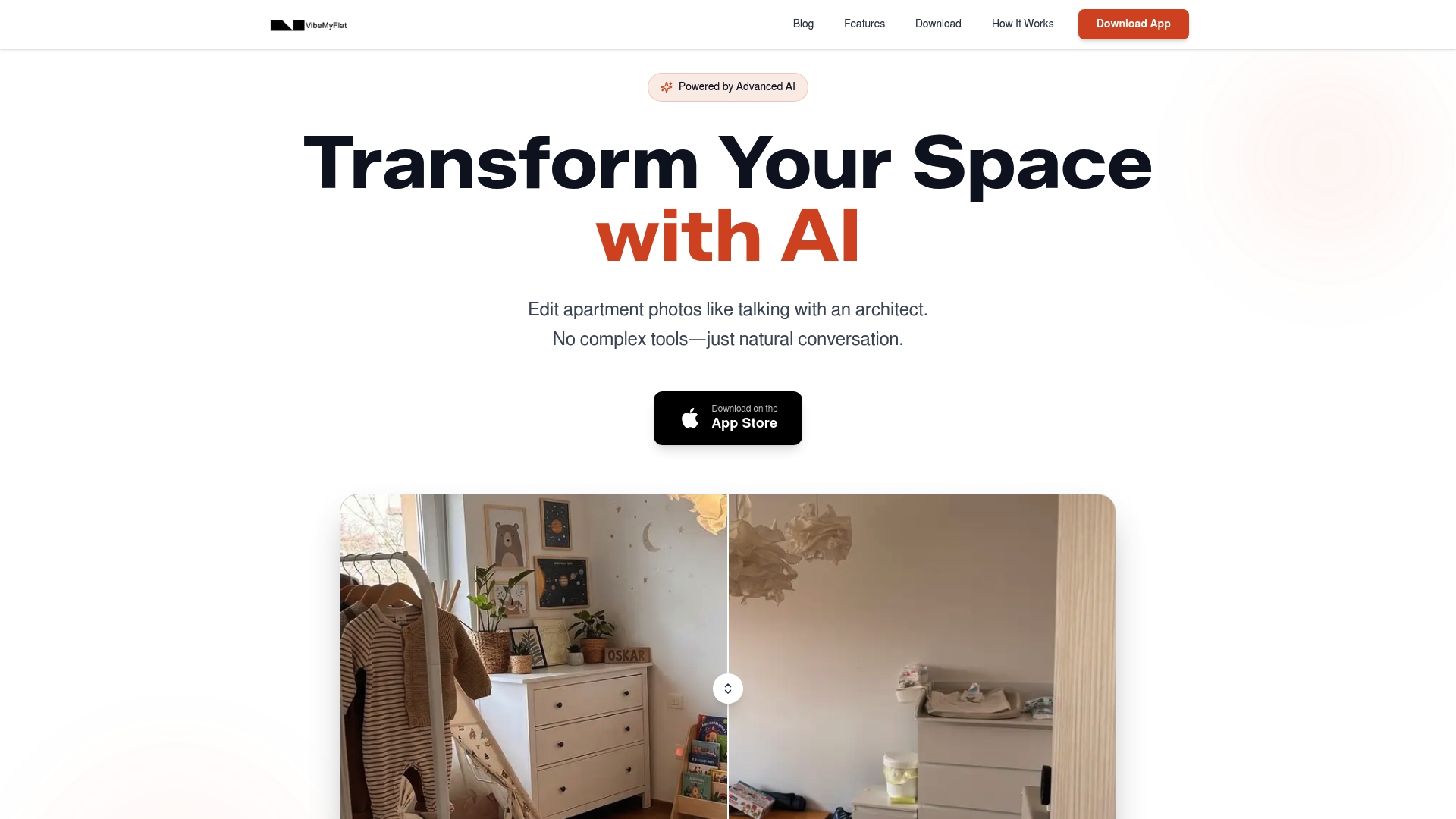
VibeMyFlat
At a Glance
The vendor advertises AI edits returned in under 30 seconds and reports more than 50,000 active users with a 4.8-star rating. That speed claim and user figure are the most striking operational promises in the product data.
VibeMyFlat targets apartment and interior photos and pushes a mobile-first workflow so edits happen where photos are taken.
Core Features
- Natural language photo editing where you describe changes in plain English and the app applies them.
- Fast AI processing advertised as delivering results in under 30 seconds from upload.
- High-quality, professional-grade transformations tuned for interiors and staging.
- Cross-device compatibility with desktop, tablet, and mobile plus direct editing from a phone camera roll.
Key Differentiator
The single strongest distinction is the product’s emphasis on natural language input. Saying “change the living room wall to warm grey and add mid-century furniture” drives the edit without manual brushes or layer controls. That lowers the technical bar for homeowners and nontechnical real estate pros.
Pros
- Simple commands get real results. Nontechnical users describe edits in a sentence rather than learn a complex UI.
- Quick turnaround fits fast workflows. The processing claim above lets you create variants while on site at a showing or during a client meeting.
- Mobile-first editing removes the desktop step. Upload from your camera roll, edit, and export without switching devices.
- Focused quality for interior photos. For listings and staging previews you get edits tuned to lighting and spatial composition.
- Large active user base and high reported ratings suggest the app has real-world traction and usable defaults.
Cons
- Limited to apartment and interior photo editing; the app is not meant for landscapes, portraits, or product photography.
Who It’s For
Homeowners testing renovation ideas, real estate agents preparing staged listing photos, interior designers creating quick mockups, and property managers explaining renovation options. If you need immediate interior visualizations without learning image editors, this matches your workflow.
Unique Value Proposition
The speed claim above changes how you schedule visual work. Producing professional-looking staged photos in under a minute lets agents and designers iterate live with clients rather than queue work for later. That shifts editing from a back-office task into a client-facing tool.
Real World Use Case
An interior designer during a consultation snaps a living room photo, asks for three furniture styles and two wall colors, and shows the client the options within minutes. The quick mockups shorten decision cycles and clarify client preferences on the spot.
Pricing
The vendor does not publish pricing in the provided data. Pricing and subscription details are not specified, so you will need to consult VibeMyFlat directly for current plans and any usage limits.
Website: https://vibemyflat.com
Hoqi
At a Glance
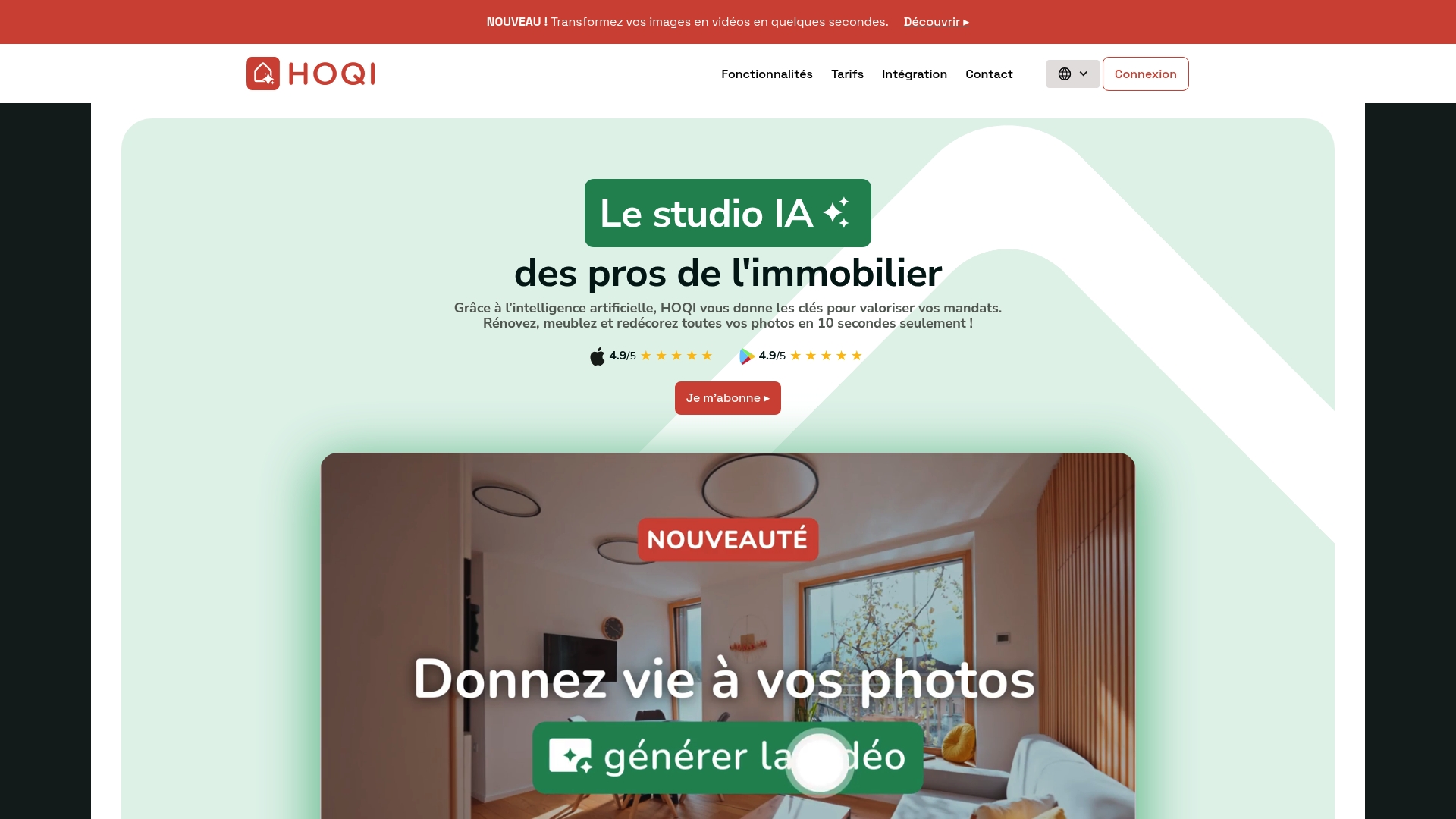
Hoqi’s marketing claims it can generate staged photos and short property videos in 10 seconds, turning raw listing images into redecorated, market-ready visuals. The app focuses on letting agents and marketers produce attractive assets fast without physical staging or site visits.
Core Features
- AI-powered image and video transformation for rapid retouching and stylistic changes.
- Photo retouching plus homestaging tools that place furniture and update decor.
- Video montage creation that compiles before and after shots into short promotional clips.
- Exterior visual renovation options to show facade or landscaping updates.
Key Differentiator
Hoqi centers on speed and listing-ready outputs rather than broader renovation planning. Where VibeMyFlat emphasizes natural language editing and cross-device workflows, Hoqi narrows the focus to quick, AI-driven visual upgrades tailored to marketing timelines and listing performance.
Pros
- Quick asset creation. The vendor advertises that 10-second turnaround, which suits rapid listing refreshes and tight marketing windows.
- Simple tools targeted at real estate workflows make it easy for agents to produce consistent gallery images with minimal training.
- Affordable entry price at €19.99/month lowers the barrier for small agencies and solo agents who need staged visuals without hiring a photographer.
- Hoqi reports a 4.9/5 user rating, suggesting high satisfaction among its user base according to its marketing materials.
- Useful for testing design variations; you can produce alternate staging styles to see what drives more engagement.
Cons
- No public third-party integrations or API connectivity, which limits automation with CRM or listing platforms.
- Sparse information on collaborative accounts or multi-user team management for agencies handling many listings.
- Independent verification of user reviews and performance claims is limited; most metrics are self-reported.
When It May Not Fit
If you need an editing workflow that plugs into CRMs or batch processes with an API, Hoqi is likely the wrong choice. Teams that require granular permissions, multi-seat billing, or enterprise reporting will find feature gaps compared with broader platforms.
Who It’s For
Real estate agents, small agencies, home stagers, and property developers who need fast, low-cost visual content to boost listings. Best for users who want quick marketing assets rather than deep collaboration or technical integrations.
Real World Use Case
An agent uploads five raw interior photos, applies a modern staging preset, and exports a 30-second montage for a listing video. Within an hour the listing has a refreshed gallery and a social clip for paid promotion.
Pricing
Plans start at €19.99 HT/month. The stated price positions Hoqi as an affordable entry option for individual agents and small teams who want recurring access to AI-driven visual tools.
Website: https://hoqi.app
ReImage AI
At a Glance
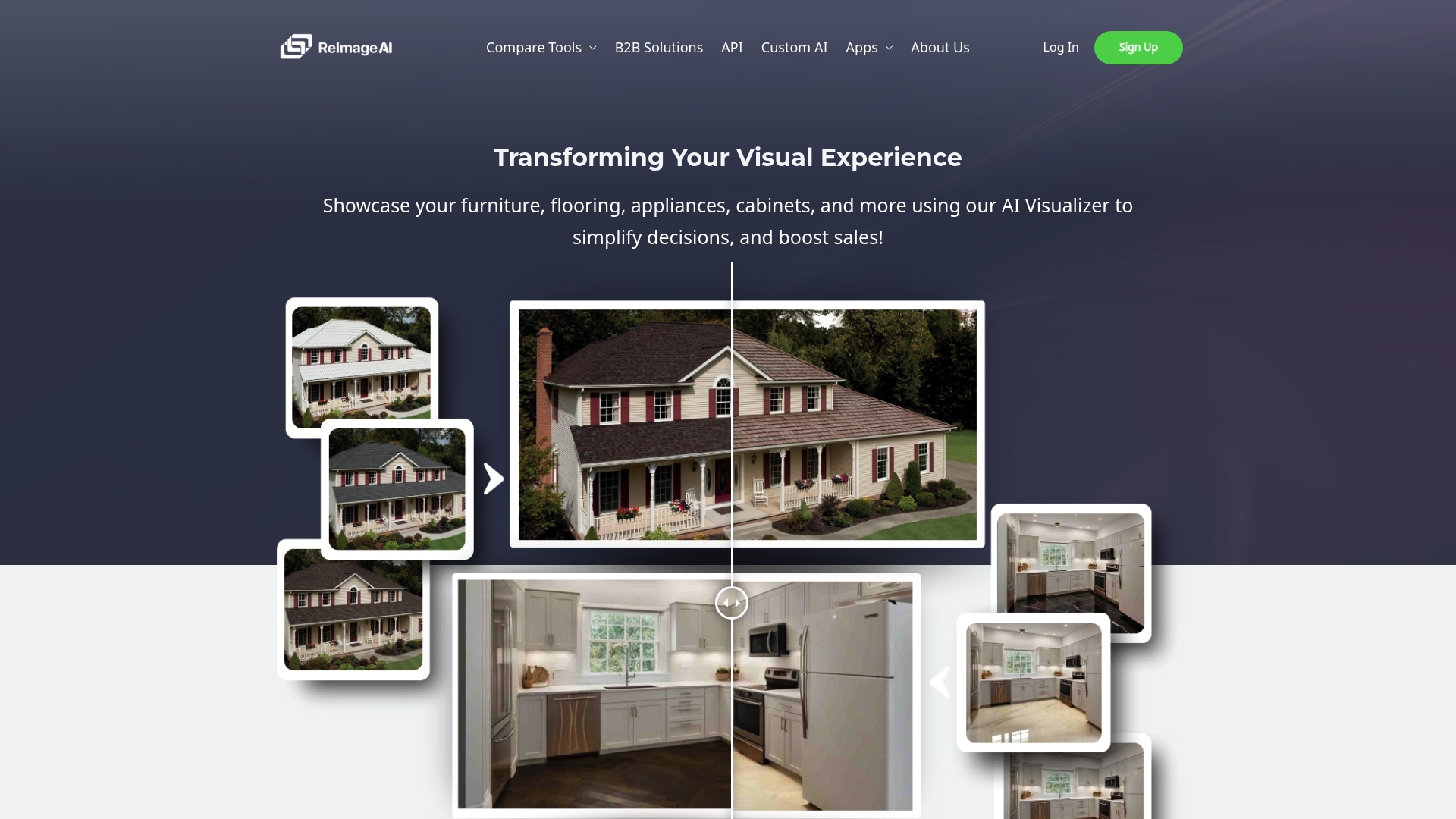
ReImage AI advertises API and custom AI solutions that let businesses embed photorealistic remodel and staging visualizations into their own apps and workflows. The vendor emphasizes simulation of lighting, texture, shadows, and environment for highly realistic results.
Core Features
ReImage AI produces photorealistic interior and exterior remodel visualizations, including flooring, walls, roofing, and landscaping. The service supports seamless furniture and decor staging and simulates realistic lighting and environmental effects.
The platform also exposes APIs and offers custom AI solutions so teams can automate imagery generation and keep branding consistent across customer touch points.
Key Differentiator
What separates ReImage AI is the focus on environmental awareness in its visualizations. The marketing materials describe models that account for light direction and surface texture so finishes and shadows read correctly in photos rather than appearing pasted on.
That approach matters when you need images clients will accept as decision grade rather than conceptual mockups.
Pros
- Enables higher client confidence by producing near-photographic visuals that show how finishes and furniture interact with real lighting.
- Reduces revision cycles by letting stakeholders approve a realistic preview before construction or ordering, which saves time and rework.
- API access lets product teams automate large batches of images for listings, catalogs, or interactive configurators.
- Applicable across real estate, construction, interior design, and retail, so one vendor can service multiple revenue streams.
- Helps sales teams present options with imagery that looks like actual completed work rather than a schematic.
Cons
- The platform’s reputation is not broadly verifiable with third-party user reviews, so real world performance relies on evaluation and pilot work.
- Advanced features depend on good input data. Poorly lit source photos or incomplete specifications will reduce realism.
- Integration and customization often require technical expertise, which adds cost and time for teams without in-house engineers.
When It May Not Fit
If your team lacks developer resources or prefers a purely point and click web app, the API first approach could be a poor match. Also skip it if your use cases tolerate schematic renders rather than photo grade imagery.
Who It’s For
Product and marketing teams at real estate brokerages, construction firms, interior design studios, and retailers that need scalable, branded visual content. Suits organizations that can allocate engineering time to integrate imagery into customer journeys.
Real World Use Case
A mid sized construction company uses ReImage AI to generate room mockups showing different flooring and paint combinations. Sales reps share those images with homeowners to speed approvals and cut on site change orders during build out.
Pricing
Pricing is not specified publicly and appears to be custom or enterprise oriented, especially for API and bespoke AI work. Expect volume and integration to factor into quotes rather than a fixed per image rate.
Website: https://reimage.ai
Interior Photo Editor Comparison
When selecting an interior photo editor, it is crucial to consider the usability, feature focus, pricing, and flexibility each platform offers.
| Product | Key Feature | Best For | Pricing | Notable Limitation |
|---|---|---|---|---|
| Vibemyflat | Natural language editing for quick photo modifications | Homeowners and real estate agents | Not disclosed | Limited to interior photo editing |
| Hoqi | AI-powered photo and video transformation for marketing assets | Real estate listings needing quick updates | €19.99/month | Lacks public integrations or collaboration features |
| ReImage AI | Photorealistic visualizations with API customization capabilities | Enterprises in design and construction | Not disclosed | Setup may require engineering expertise |
Discover a Better Way to Edit Interior Photos with Vibemyflat
If you are exploring vibespace.design alternatives, you probably want a photo editing tool that understands your needs without requiring complex skills. Vibemyflat offers a natural language-driven platform where you describe your desired changes and get professional-quality interior photo edits in under 30 seconds. This means no more struggling with complicated interfaces or waiting long for results.
Take control of your interior photo editing with Vibemyflat and see how simple it is to change wall colors, update lighting, or redesign rooms quickly. Visit Vibemyflat now to edit your apartment photos effortlessly and impress clients or visualize renovations faster.
Frequently Asked Questions
How does Vibemyflat’s natural language editing enhance user experience?
Vibemyflat allows users to describe changes in plain English, making it accessible for nontechnical users. This feature lets homeowners and real estate professionals vocalize specific edits, like “change the living room wall to warm grey and add mid-century furniture,” without needing to navigate complex interfaces. You can create edits on the fly, simplifying the process of staging and visualizing interior designs.
What is the difference between Vibemyflat and Hoqi regarding editing speed?
Hoqi advertises an impressive turnaround time of 10 seconds for generating staged photos and videos, positioning it as ideal for rapid listing refreshes. In contrast, Vibemyflat focuses on fast AI processing, claiming edits are returned in under 30 seconds upon upload, which still facilitates quick workflows but may be slightly slower than Hoqi under tight deadlines. Choose Vibemyflat if you favor detailed natural language commands over sheer speed.
Which platform is more suitable for small agencies, Vibemyflat or Hoqi?
Hoqi is particularly well-suited for small agencies due to its affordable entry price of €19.99/month and focus on rapid asset creation. Vibemyflat can also cater to small agencies by providing high-quality transformations, but does not specify its pricing in the available data, leaving costs uncertain. Consider your budget and the type of visual assets you need when choosing between them.
Can I use Vibemyflat for outdoor and landscape photo edits?
No, Vibemyflat is specifically designed for apartment and interior photo editing, making it less suitable for landscapes or outdoor photography. If your primary needs are focused on interior spaces, Vibemyflat will match your requirements effectively.
How does Vibemyflat support quick decision-making in client consultations?
Vibemyflat’s speed allows interior designers to provide quick mockups during consultations, enabling them to show clients different options in minutes. This functionality helps shorten decision cycles significantly, making it easier to clarify client preferences on-the-spot, enhancing overall collaboration.
What pricing details should I know before choosing Vibemyflat?
Vibemyflat does not publish specific pricing in the provided data, which may require you to consult directly for details about subscription plans and any usage limits. This uncertainty could affect your budget planning, so reaching out for clarity is advisable.